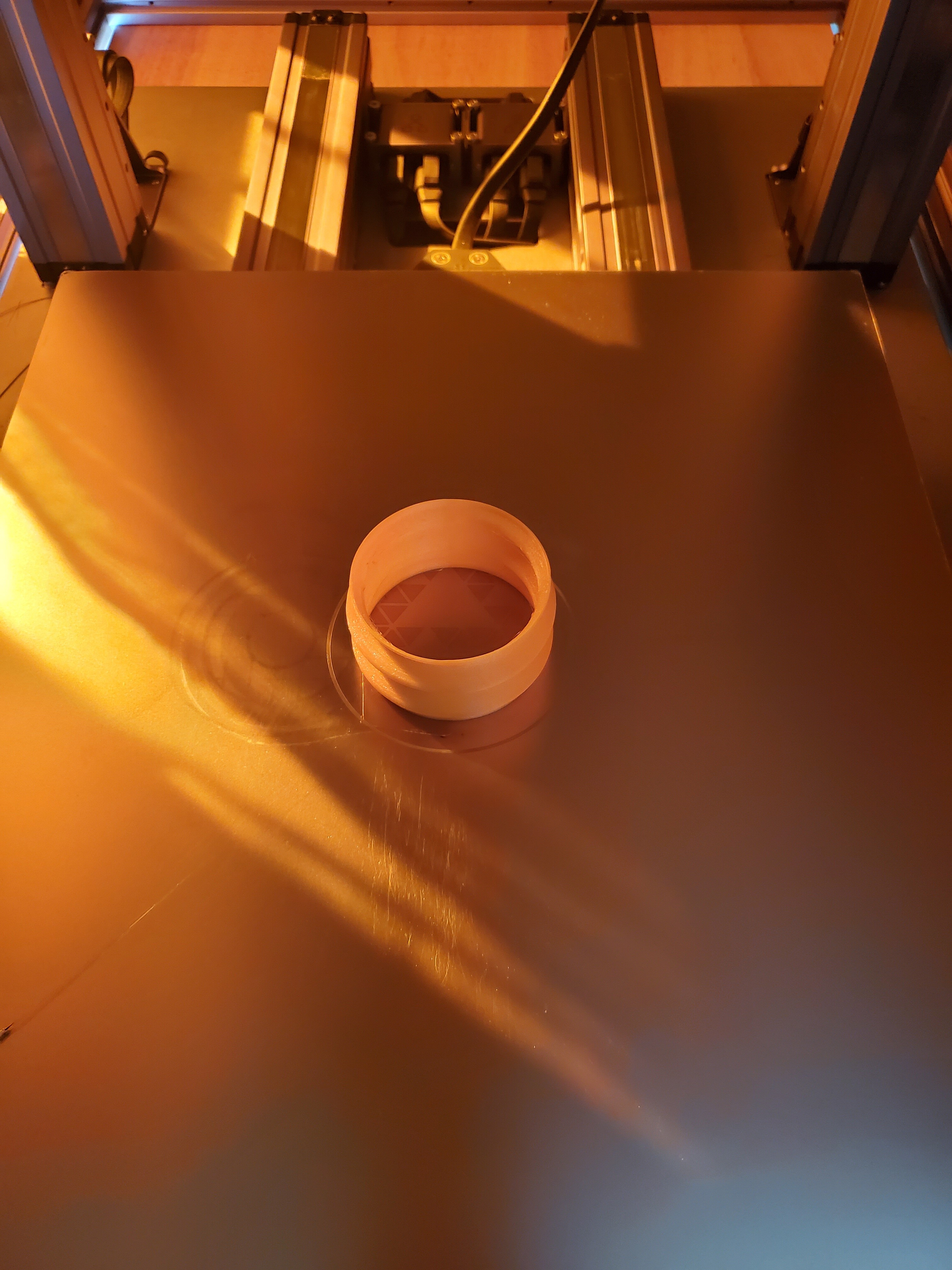
After having many failed TPU prints where the filament getting stuck in the head (even with the adapter) I found the solution was higher (I increased the z-offset by 0.15mm), hotter (235 deg), and slower (15mm/sec). With these settings I was able to print flawlessly using Overature TPU.
I actually believe the change that helped the most was the z-offset because I noticed that the filament would always get stuck on the first layer. It seems that if the nozzle is too close it creates just enough backpressure in the nozzle to cause the kink. Anyways, I hope this helps others with issues printing TPU.
Interesting. I’ve found that TPU needs the most squish/least z-offset of any type of filament I’ve printed - PLA in the middle, PETG the least. Of course if you don’t have enough offset with any filament it will block the nozzle and keep it from coming out.
-S
@chazr33gtr You’ve just made another person happy today with your design on the adapter, thanks! I couldn’t manage to extrude any TPU through the hot end on my A350 without it. The first print with your adapter is looking quit good so far!
Is there any risk printing the adapter in PLA and then it melting inside the module if you are printing TPU? I assume you would want to remove the adapter before going back to printing PLA. Maybe CNCing the adapter out of a more temperature resistant material. What are people’s experiences?
I may not be the best to answer this because I actually did cnc mine out of teflon (see earier in thread) but there seems to be enough isolation that I haven’t heard people having problems with pla. I would personally use petg.
It doesn’t seem to make a difference leaving it in with non-flexible filaments but I usually take mine out just to be safe.
-S
Printed mine in PLA, stays in all the time and not had any problems. The area where the adapter sits has to keep filament cool enough to be firm for the drive to work so I dont think it should be an issue. The adapter appears to have no impact on printing other material and is essential to get TPU working.
That would definitely work well but from what I’ve heard nylon is the toughest to print. And it’s the worst filament for absorbing moisture.
Now cnc out of nylon would work. I had some spare pieces of that too.
I’m new to the forum and new to 3D printing. After some successful printing with PLA, I have ventured into FlexPrint. Thanks to the adapter, it works quite well in the meantime. However, a hard (white) mass forms at the nozzle (i use black Filaflex UltraSoft 70A). The picture shows the mass removed from the nozzle. Settings are as recommended in this forum (temp 230 / Speed 20). Does anyone have an idea what this can be?!
After many failed attempts. I found that the TPU filament has to be very dry. If it is sitting around long, it absorbs moisture. It will not print if this happens. It may not even extrude. I had one that I used before that worked fine, and thought it would be good as I kept it in a bag. Did not work. Pulled out a brand new one and worked fine. I put the old one in a dehydrator and it now works.
The area where the adaptor goes does not get hot. I did mine in PLA. However, I couldn’t get enough stability with the adaptors here because the filament would bunch up below the drive gear. I have modified the design and am testing it now. I couldn’t get any reasonable extrusion before (probably be cause my filament is a bit wet). I’ll post my design if it works.
Here are some micrographs of bubbles in extruded TPU, showing the damage the steam does. It also lowers the temperature and creates back pressure. Both can slow or stop extrusion:
I have printed tpu without the adapter. The biggest obsticle is making sure it has been stored properly. It needs to be dry. Print slow. I used overture brand. Uploading: 20210207_142522.jpg…
I print with TPU on a regular basis without an adapter with the Snapmaker A350 and I found that for the key is to print in the 228 C range and go slow (test for max speed you need based on quality and what won’t kink the filament). Here is a skirt I designed with a wall thickness of 3.6 mm and again with 0.8 mm.
Thank you. I found a dehydrator that goes up to 70°C. I just bought my first couple rolls of TPU filament. From what I’ve seen online, one person on YouTube had great success by putting their filament in the oven at 70°C for 1 hour. He tried 50°C which wasn’t bad but 70°C was like the filament was brand new. https://youtu.be/ACRh51hdBxo
I don’t think you want to use a different nozzle size with tpu without changing the settings for it. I know people report success doing this with some specialty filaments, especially wood ones. But tpu tends to need a lot of squish and if anything it’s runny and flows too freely. If you’re using Luban there is no way to select nozzle size. You can in Cura or Prusaslicer (or pay for simplify3d).
-S