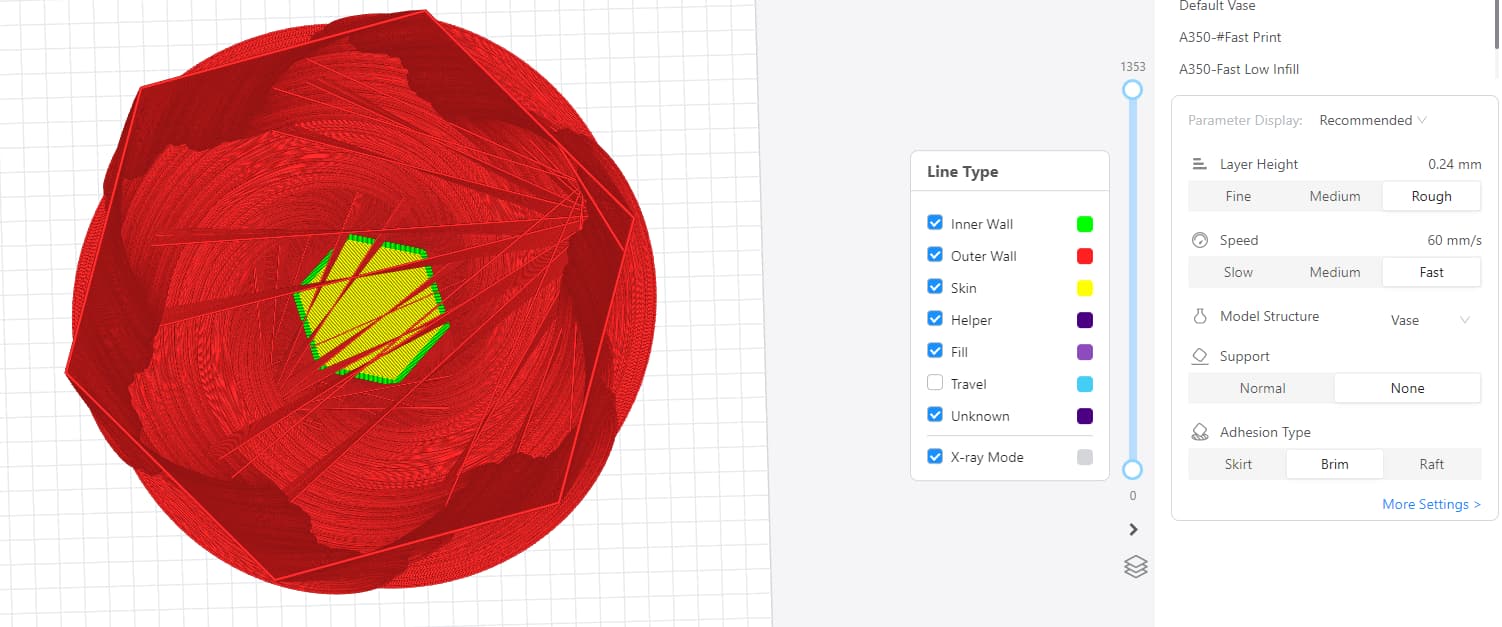
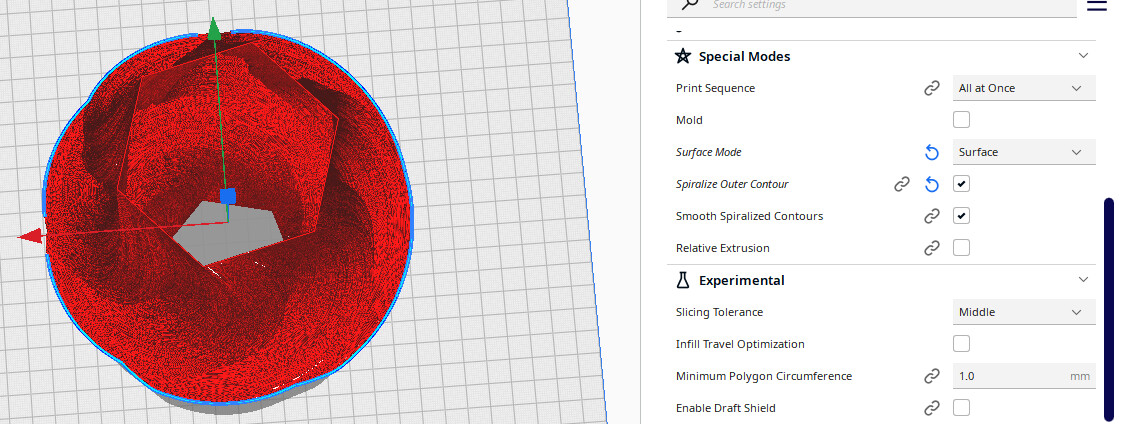
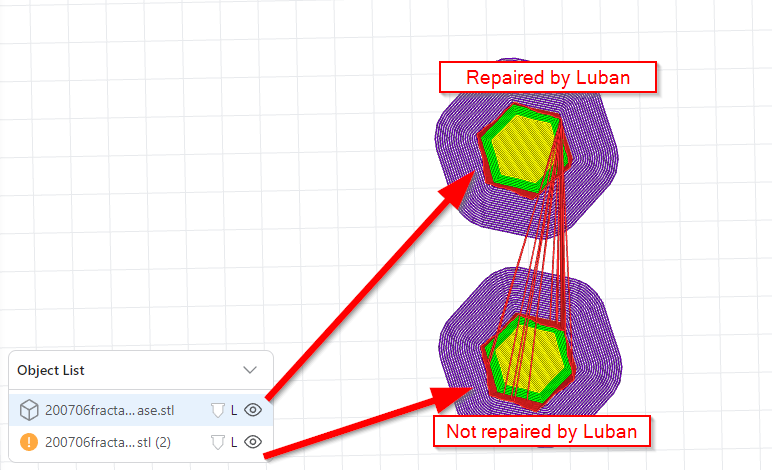
I tried to slice a Koch vase STL in vase mode with the latest Luban version, and the resulting gcode looked unprintably awkward with hundreds of nonsensical bridge lines within the model (vase mode should print only the outer surface…).
Switching to Cura with the official Cura Plugin from Snapmaker, the sliced file looks correct, but upon launching the (single extruder) file from the devices USB, the printer head moves to the center of the bed, hovers around one centimetre above the bed, and suddenly retracts so much filament that a loud grinding sound can be heard from the filament tip being ground on the extruder gear. The head then prints far too high above the bed resulting in spaghetti. This reoccurs reliably.
This has never happened before (and doesn’t happen when printing other models sliced with Luban), and both e-steps and bed are well-calibrated, machine has latest firmware and is unmodded. Latest Cura and Snapmaker Plugin for it were freshly installed and no other Cura Plugins present.
Cura 5.3.1, Snapmaker Plugin 0.9.0
weirdness gone after slicing in Cura with vase mode (printer settings follow exactly the defaults for A350 single extruder)
Snapmaker 2 A350 V1.15.26 Single Extrusion Module
I don’t have a video of the printer’s behaviour when trying to print the Cura sliced file but am sure this is the first time this has ever occured. The bed is well leveled/calibrated and other prints directly from Luban or sliced there and started from printer touchscreen work perfectly - extruder never does anything like this.
That is one heavy model, I bet Luban just can’t swallow it with all the polygons.
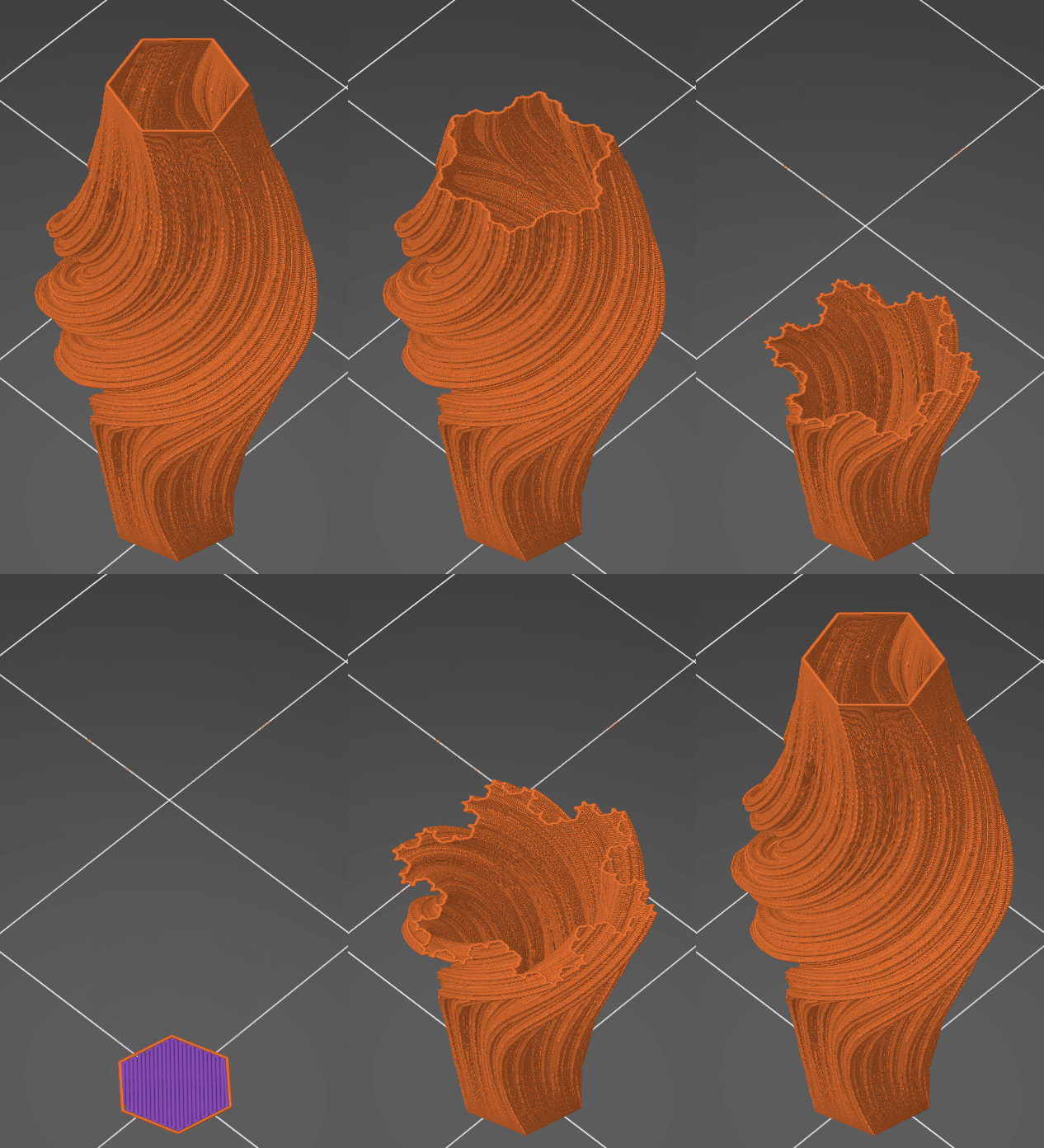
When I uploaded the model to latest alpha of prusaslicer - it spit out the sliced version of it with out any issues.
Then I tried loading it to Luban 4.8.0.
Luban thought the model is broken and asked if I want to repair it. I said yes and after some thinking it sliced it alright.
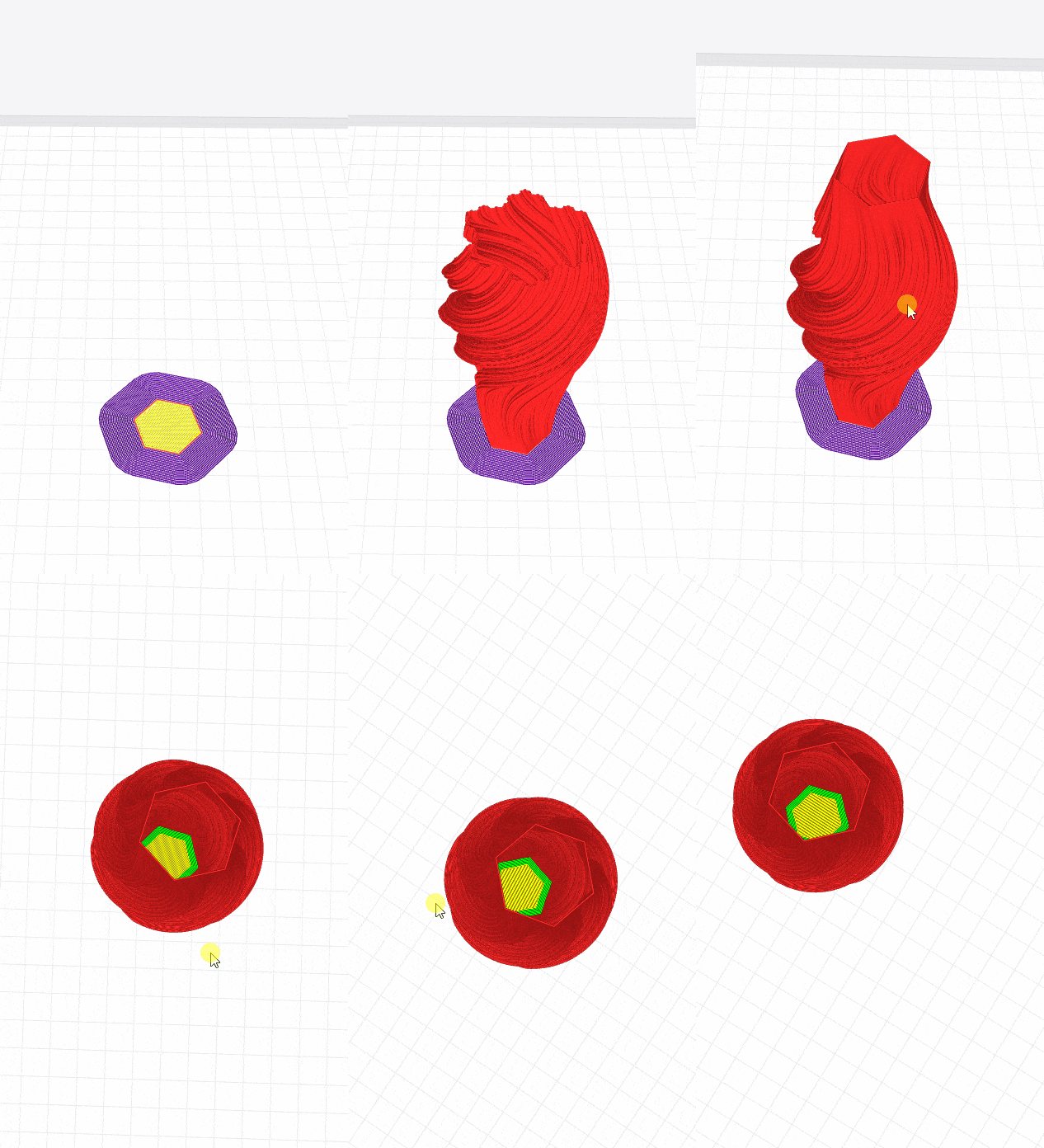
Based on your feedback that a somewhat functional vase mode slice of this model is possible in Luban I narrowed the success/failure parameters down to SCALING (that means irrespective if the model is “repaired” or not upon load, the model fails to slice properly when scaling the model to fit the build space (i.e. 241.6% for my A350)), but works fine when, as you say, repairing and sticking with 100% build size.
I could also get a much better slice in Luban when using “simpify”-> “Scale by layer height” (only one erroneuos internal bridge left, even at 241.6% scale).
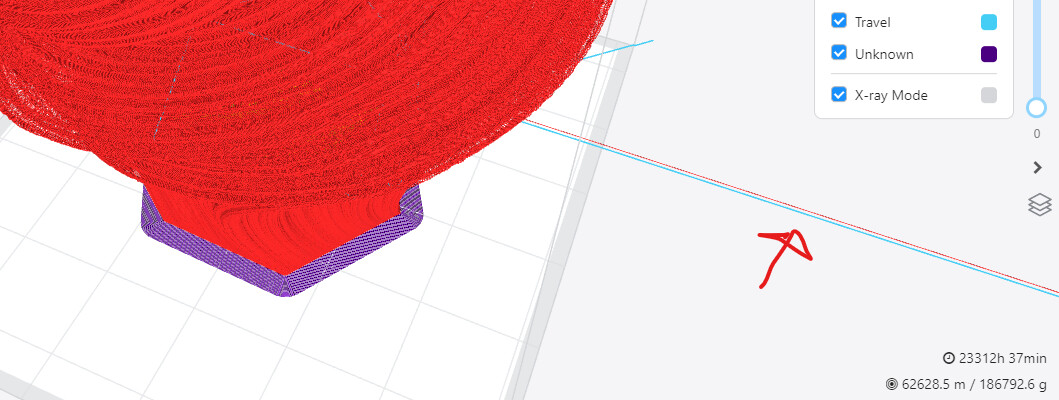
This works with some limits, in some other scalings (especially non-uniform scaling) it creates new fun glitches such as an eternally long line