Hello I want to use the CNC carving module, so I open a SVG file in the Luban software. The picture is shown and immediately it is gone in the Vector Process Mode. Nothing is seen, when I choose the Relief mode, the picture is back. But I dont want to carve in Relief, only in flat layers. Who can help me, the pictures are only black and white flat images. Some symbols and text. Thank you in advance for the answers.
Try it to resave maybe as inkscape SVG or other prefix.
Sharing your picture would help.
I will try to add the pictures to this message. These pictures I opened in Inkscape and saved as SVG files, but then I see only a white box without the picture in it when it is in Vector Mode. Only when I click see original picture the picture is shown. Only in Relief Mode I see also my picture, but I don’t want Relief. I want flat carving.
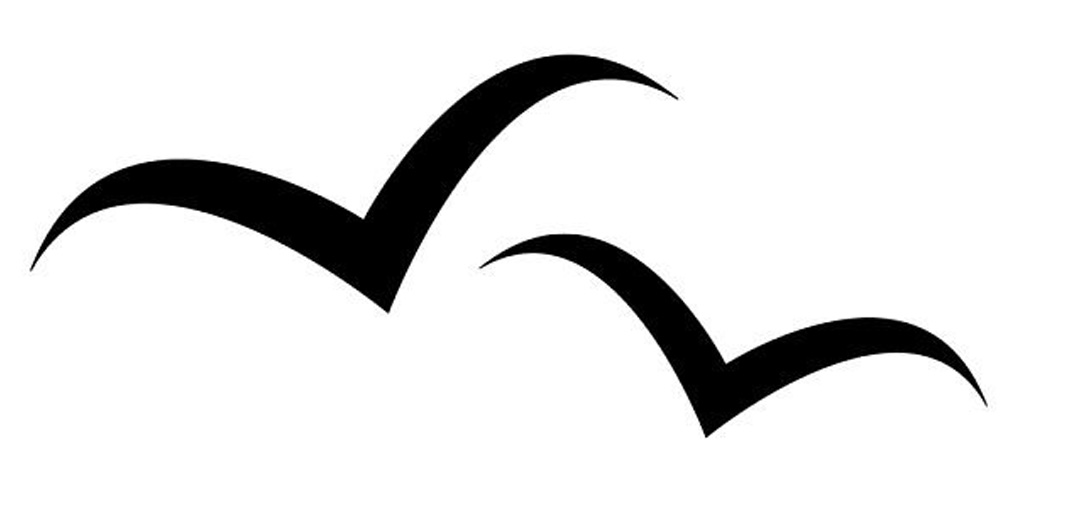

Unfortunately I’m not sure what flat carving means.
In my opinion vector carving means toolpaths for cutting out something, for example.
For lasering I would say b/w or gray-scale is the thing you need, to fill the black parts of your picture.
Anyway, if it gets more complicated I would suggest to use another cam software like fusion 360.
Have a look at this tutorial:
If you provide your SVG files, I may be able to tell you what is wrong with them. I downloaded your Meeuwen.jpg and pulled it into Inkscape. From there, you need to use the Path→Trace Bitmap tool to convert it to a vector object.
Then delete the bitmap that you imported, resize the page to the selection (in the Edit menu), and save a new SVG.
This is what I did and it loaded into Luban fine, visible as a vector.
File attached….

I have the same problem with this file, text.svg.
Visible briefly while loading, then gone. If I choose Relief, its visible, but as Vector its gone.

