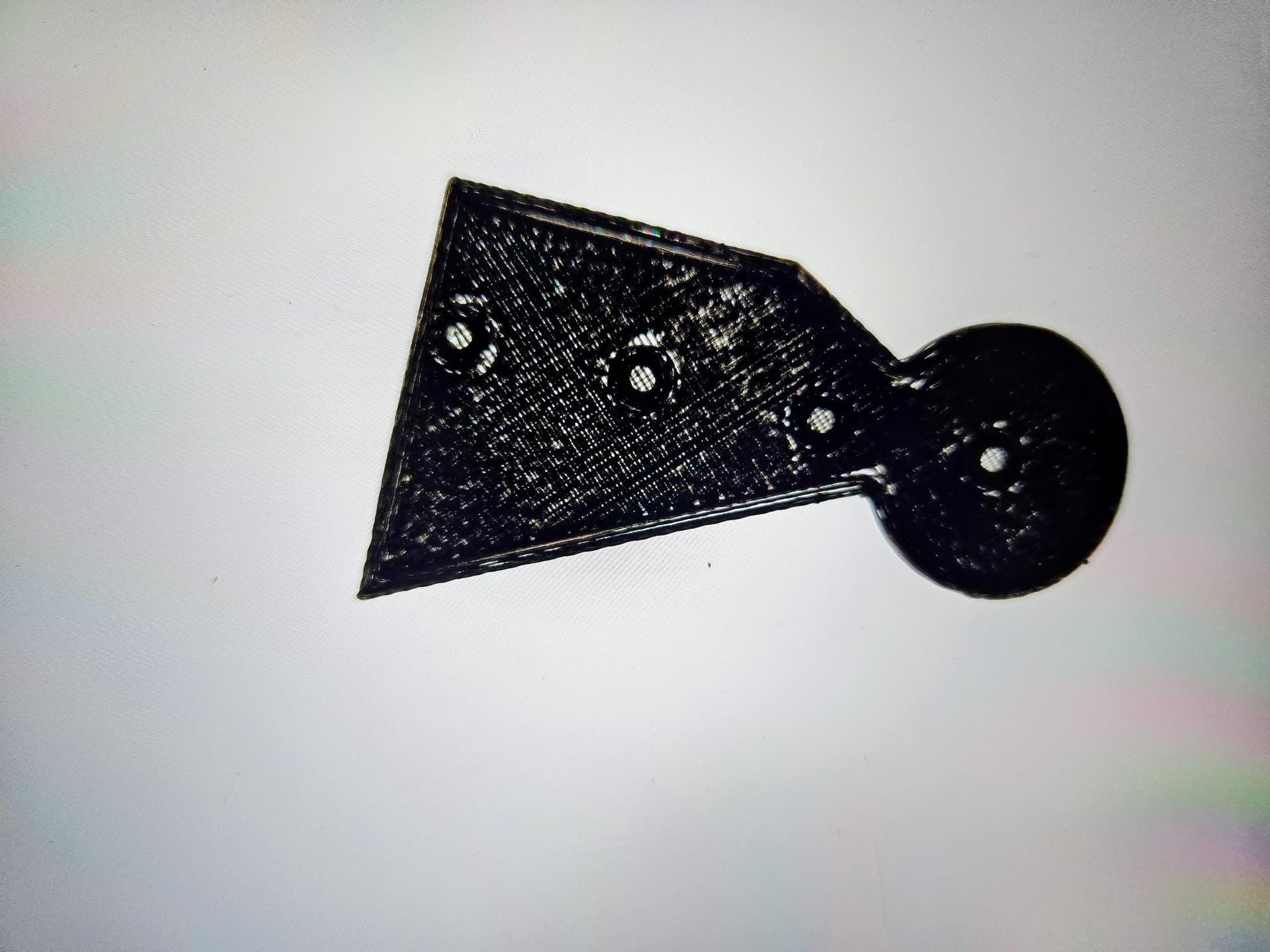
Why are my prints suddenly looking like this??
Printer is Snapmaker 2.0 A350T which I have enjoyed greatly for the past 5 years with very few problems that I couldn’t fix with a little patience. Why is it looking like a Luffa?
PLA filament was dried to 13%, Nozzle temp 225 C, bed temp 70C, layer height 0.2mm, Infill 60%.
It seems too far away from the bed, adjust your live z offset while printing on the touchscreen by swiping to the left.
Or we see under extrusion here..
Share more pictures please
clewis
October 30, 2025, 11:25pm
3
I’m thinking under extrustion, since you can see through the print. It’s also not landing the top surface against the walls correctly.
Does it make any “interesting” noises while printing? Have you changed anything recently? Bought a different brand of filament?
TK4132
October 31, 2025, 2:41am
4
I’m gonna go with under extrusion/Partial clog.
Hauke
October 31, 2025, 10:52am
5
Also check flow settings and nozzle diameter setting - these influence the amount of material dispensed.
Filament delivery looks irregular, check filament gears and feed path.