I dont mind wasting some filament too much but how much time it takes to print all that is a bummer!
Maybe at the least during transition you could extrude at a more rapid pace then slow it down just before it gets to the end of the transition?
Having the pllette 2 right above the print head about where the spool would normally hang seems like it would at least lessen the distance needed to get the changed color to the machine, but once the line is made even from a distance it would be able to fuse the colors in
Is there a specific setting to tell it how far the pallete 2 output nozzle is away from the extruder? There must be something I would think?
Seems like it would be difficult to get that number just right from any distance?
Either way, it really is a cool concept - fusing different filaments in line like that. I’m still trying to wrap my head around how it would know what to be sending out. somehow the gcode being run would have to be going to both devices i guess?
Very Cool!!, my 2s pro just arrived and will be setting up next week. Gonna have to pull on your expertise to aid my set up and functioning with the A350
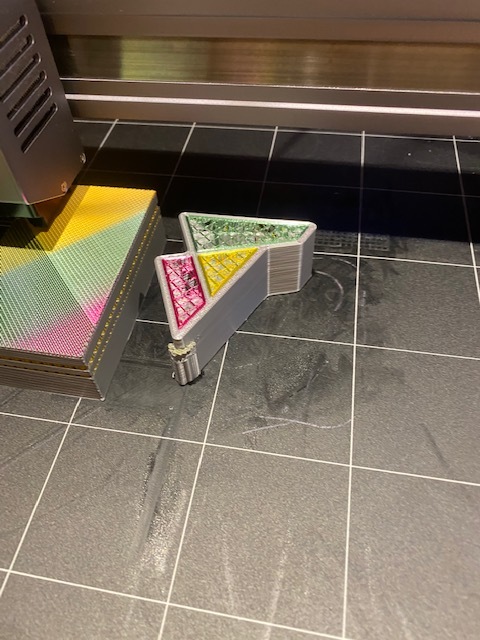
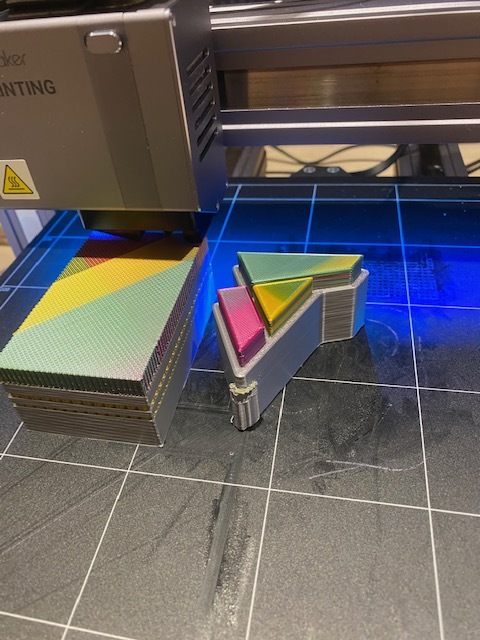
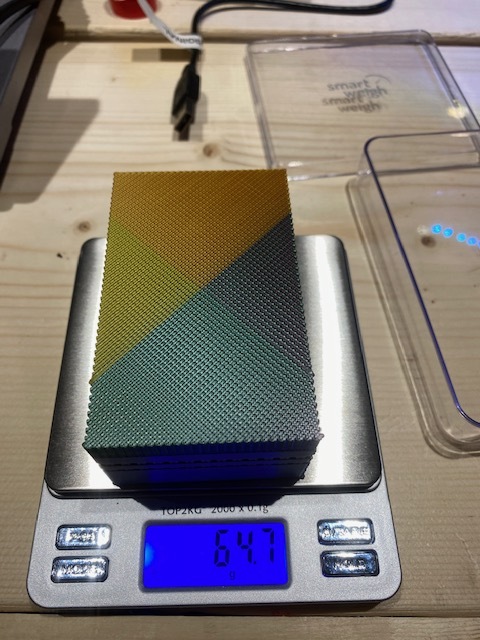
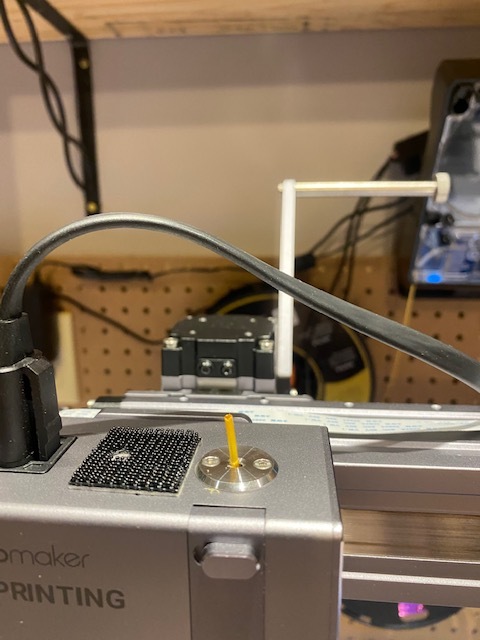
So it has taken me some time not only to get my “new space” set up but to get the Palette 2S set up and functional also. while not an easy task wasn’t the most difficult thing … the Raspberry Pi running Octoprint created some challenges as well! all new tech to me! still much to learn and much to tune in! while my first print, (albeit too large for a calibration print)was not a raving success, neither was it an epic fail. colour bleed along the way and at collar change intervals. I will use smaller prints in the future to calibrate the Palette. the purge block was nearly 3x the weight of the print but I think will make a nice collage once many are gathered! here are some pictures. if you have suggestions or need to gather my information (won’t take long ) leave a message here. here are some of my pictures. sorry don’t have octolapse set up yet. the print was for a guide for the Bowden tube from the Pallette.
Move this down: to the middle of the Z travel range, and shorten the bowden tube as much as possible:
That will reduce how much needs to be wasted.
Also, I believe I saw an option in the palette software to purge in infill, which could also reduce the size of the purge block, geometry dependent. There’s also some other clever methods they came up with reducing purge wastage.
It would be really neat if the palette could just be mounted upside down on top of the toolhead - then the waste would be near zero. If not rigidly, like a flying bowden, suspended on some elastic bands.
Thanks @brent113 this is all of the filament that was left at the end of that print. (see attached) I believe that you are right about the setting regarding purge in infill … will dig into that deeper … working now to get the calibration accurate to stop the colour (or color depending on geography) bleeding.
I should start a new thread so that others can more quickly reference info if needed … but for now … so I found the location for using infill for transition.
a few other useful settings here too
The pallette 3 just came out, pallette 2 has been discontinued so expect to see inquiries about that as it’s dimensions are different, there’s also now the pallette x which is 8 filament. I confirmed compatibility with them and it too works with the Snapmaker. It’s a 5, and 8, color instead of 4. They also just came out with a MASSIVE 3D printer array. It’s literally 6 3D printers in one but they can be removed individually at will and printers of other makes can be incorporated into it. Kind of like a hard drive tower for servers.
 ) leave a message here. here are some of my pictures. sorry don’t have octolapse set up yet. the print was for a guide for the Bowden tube from the Pallette.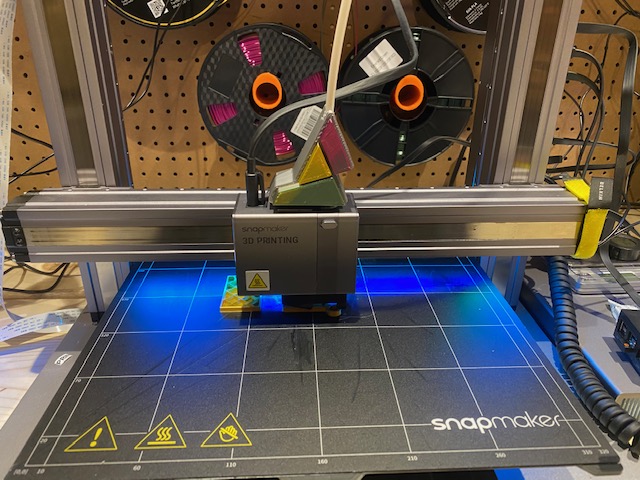





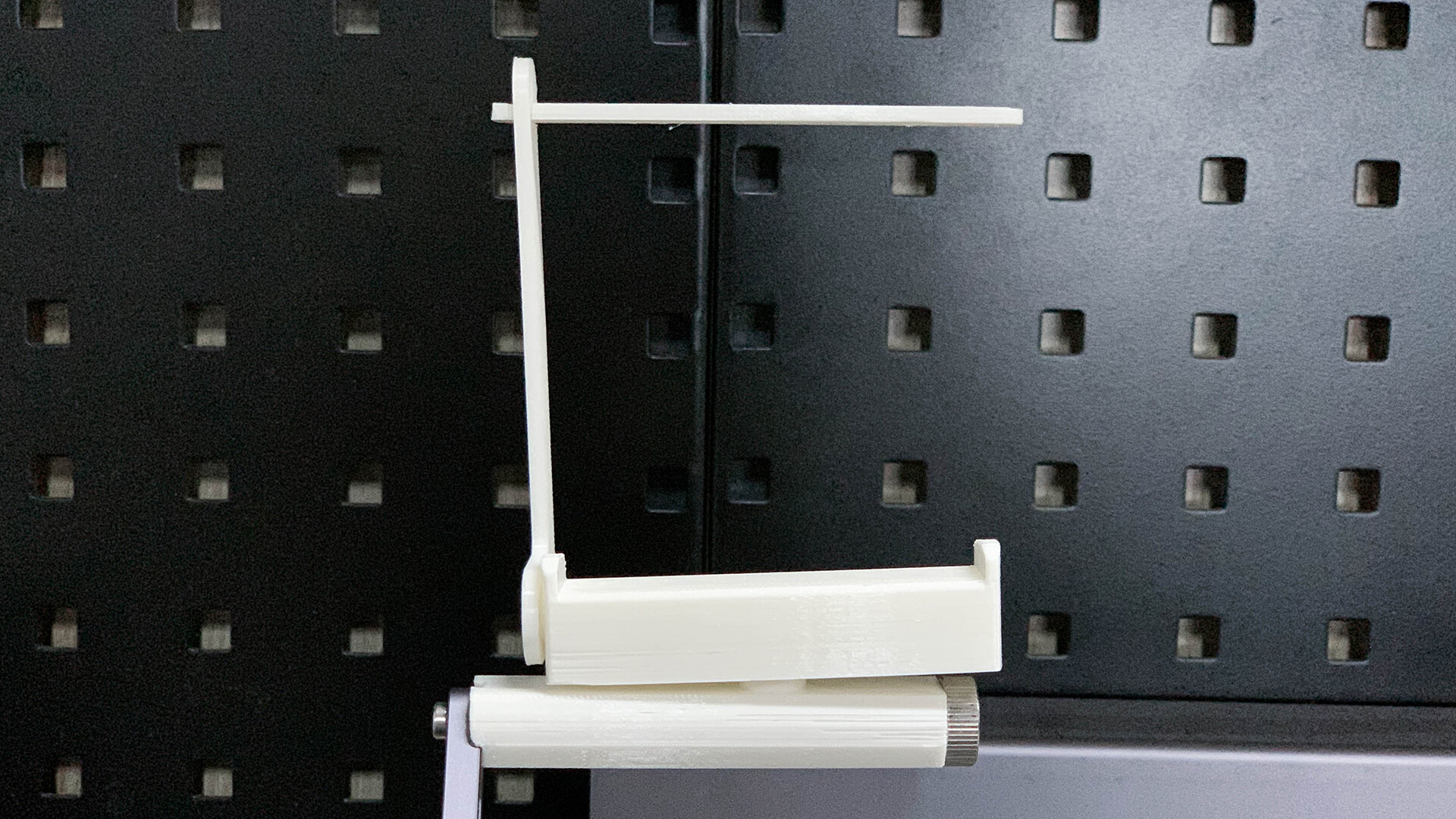
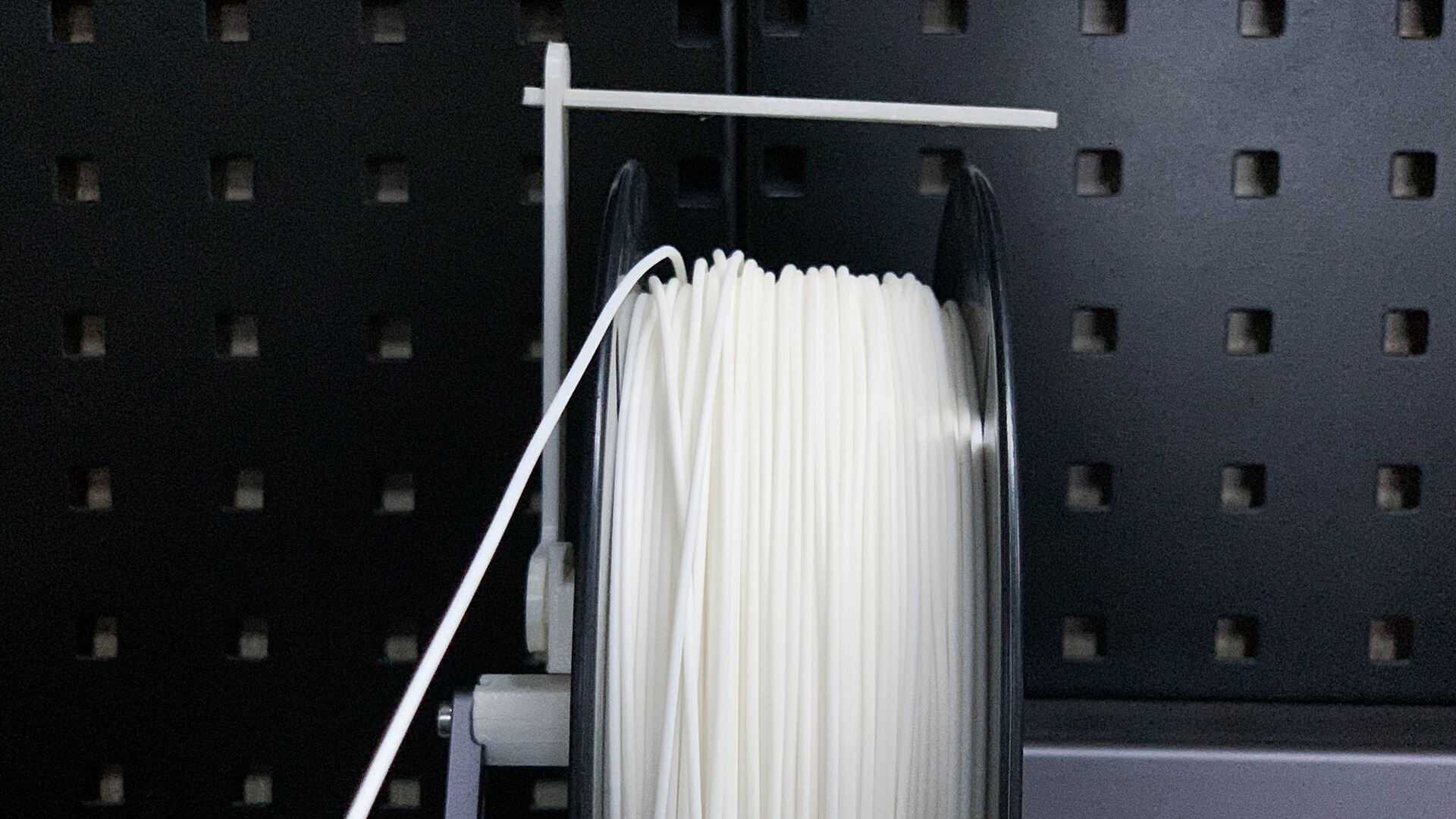
 Rotatable base eliminating irregular sway of the spool