yeah their pro series is real nice too but - the build series is so affordable and the quality is exceptional
the site itself is kinda wonky - they have recently replaced the filter system which helped alot, but they are filtering out alot of stuff accidently sometimes especially if you search for a specific color
I also heard back from Snapmaker support and they are going to get me a replacement carriage as it is obviously out of spec, ignoring heat warping.
Next will be to print the calibration models @xchrisd shared sometime back. The Octoprint bed visualizer plugin is amazing! I wish Snapmaker would add that to the printer. How cool would it be to do a visualization after a calibration. Is there a way to visualize the bed equivalent after the leveling algorithm kicks in?
P.S. - yes I attached my fan with command strips velcro.
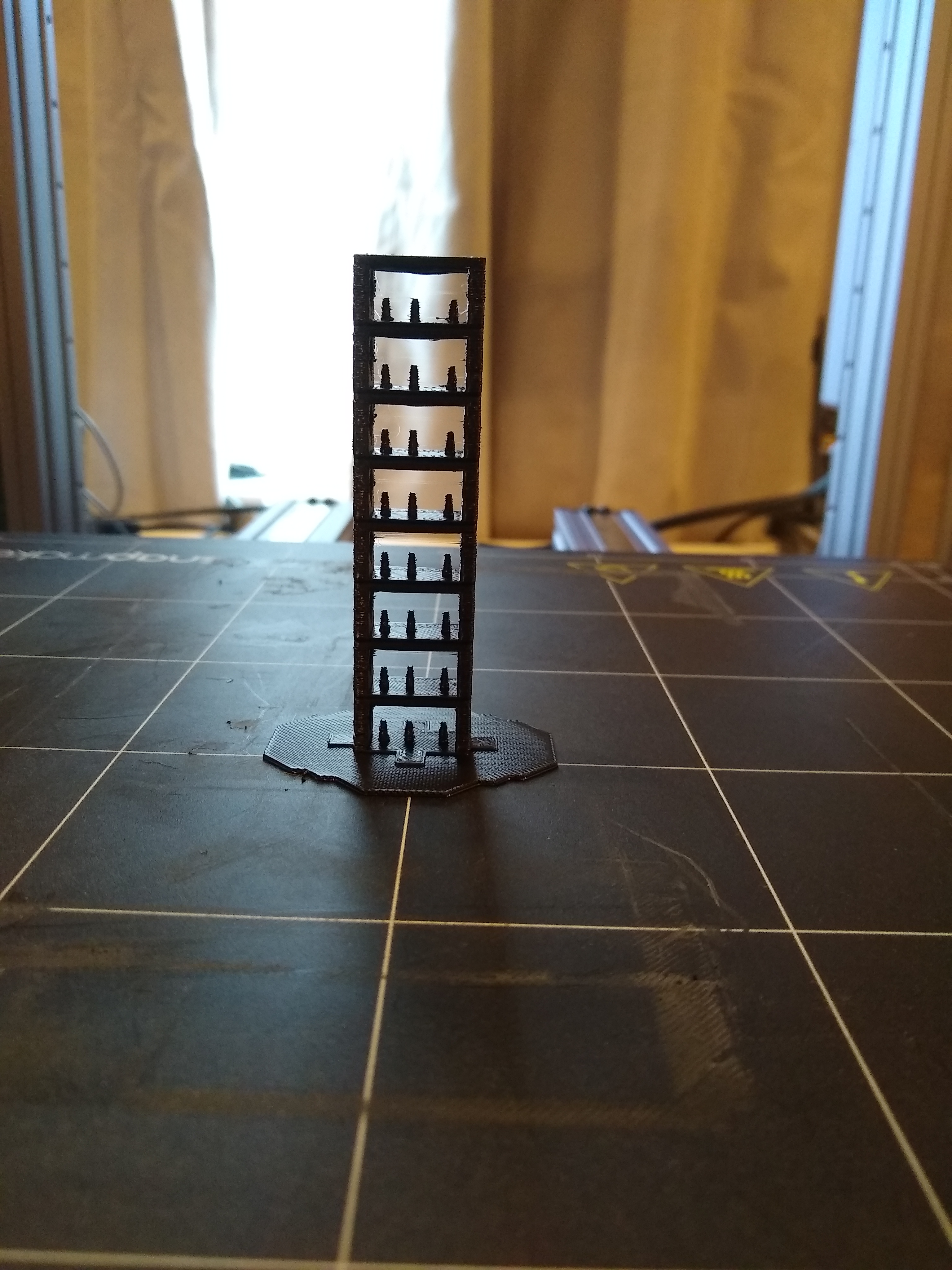
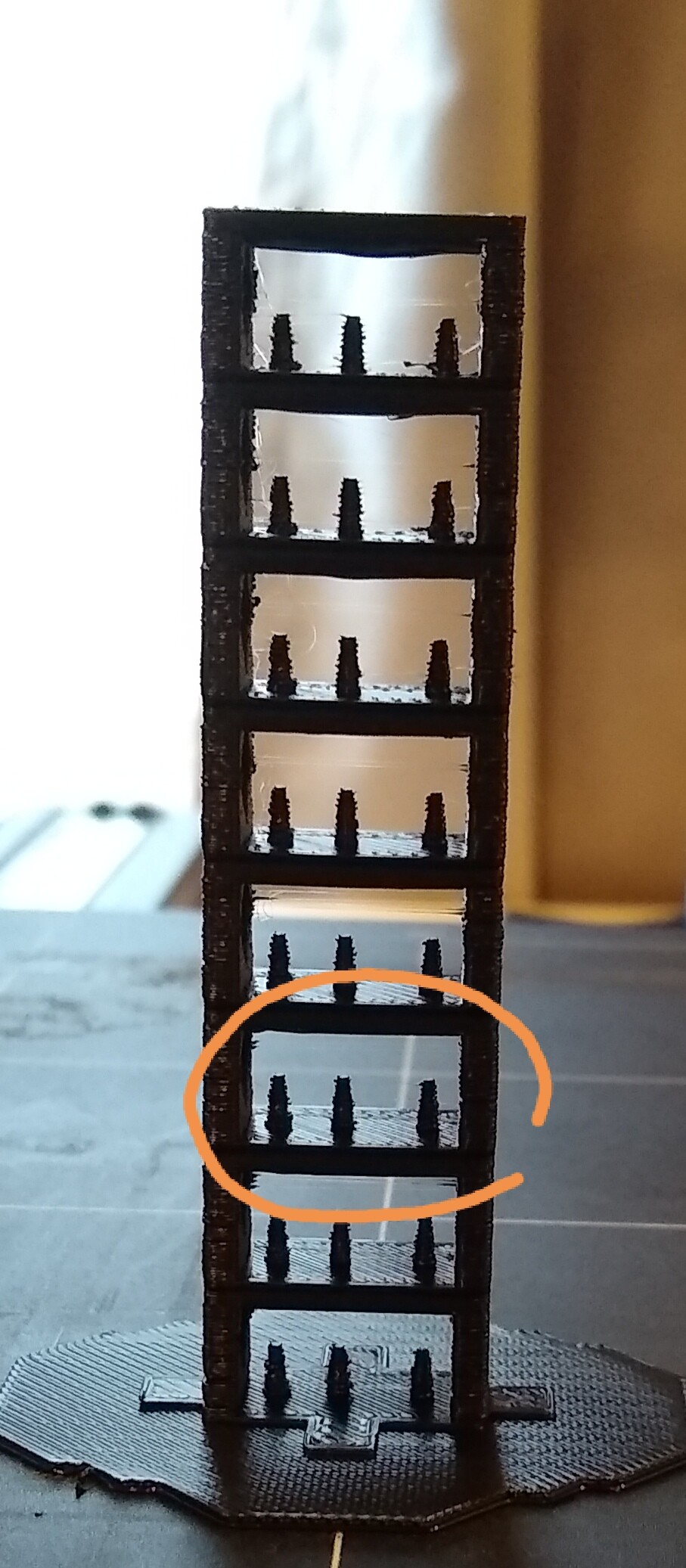
im wondering if your gcode was actually configured to change temperatures at the different elevations, a regular stl file wont do that, you have to add the code to the gcode or use a generator to accomplish the temp changes and most of the models are just something to do that to.
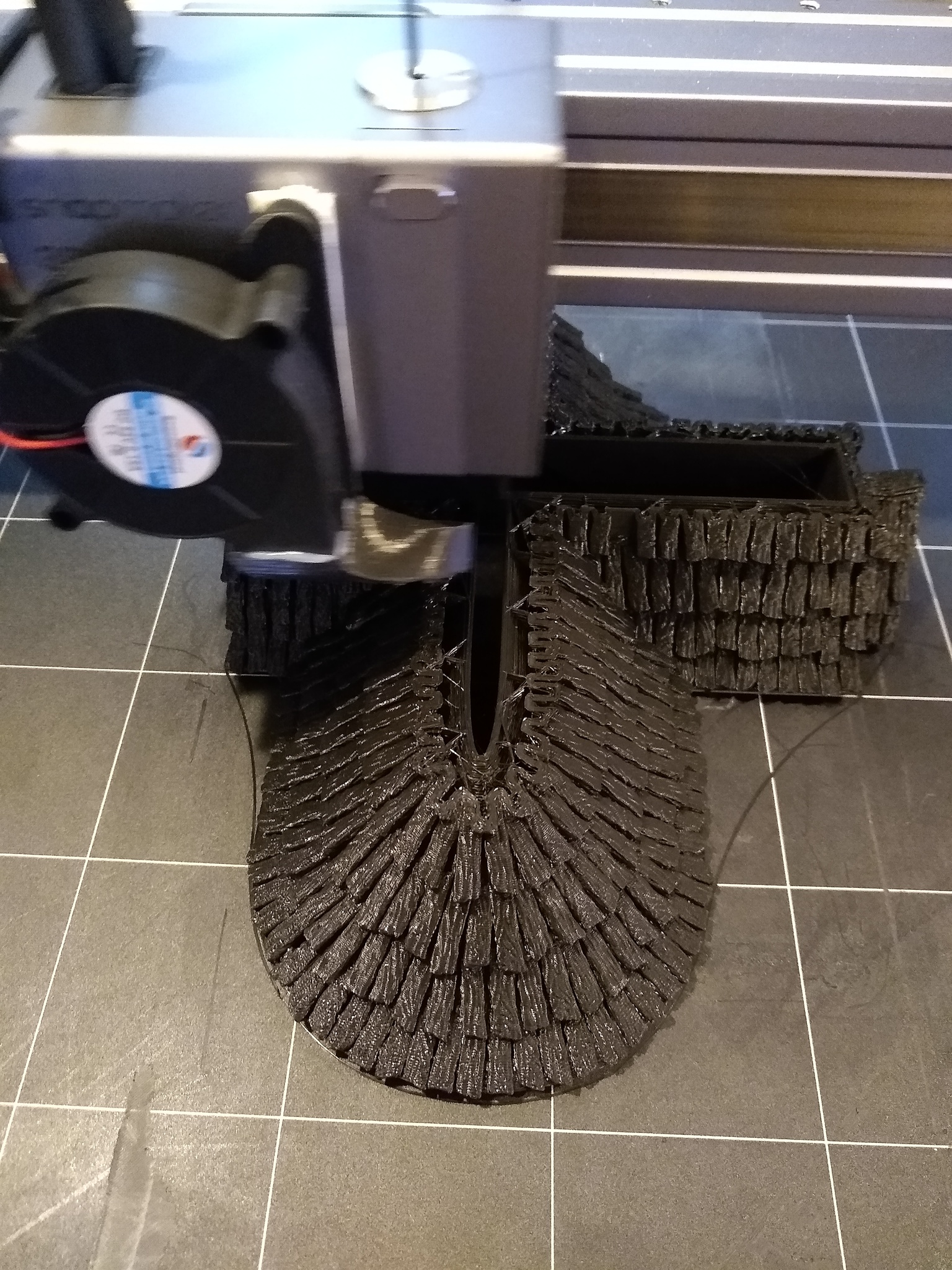
what is this filament you are printing with? looks not very good.
Has this been fixed? I ask because I have the same problem. In my case the distortions are at their worst when printing on the rear part of the bed. On the front part the print is fairly smooth, I notice that the distortion occurs only on the ‘fill hatching’. Perimeter lines are OK.