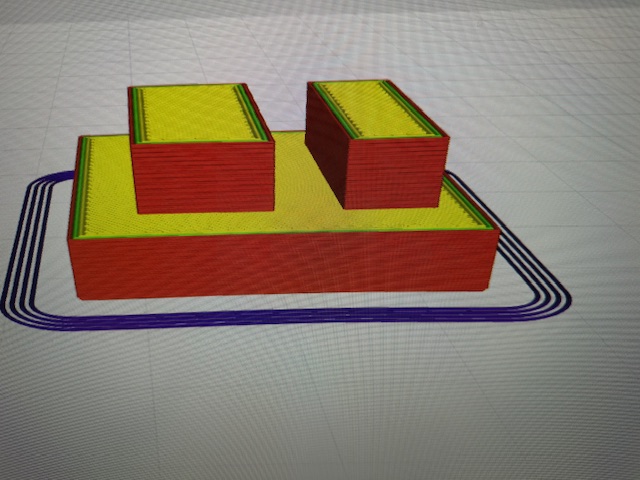
When the Dual Extruder changes the extruder it seems to lose the z-axis position. I Print with the left extruder and all is fine. Print with the right, same thing all is fine. Print first layer of the dual filament design (example 5mm) and print is great. At the next layer with an extruder change, the hot end is now pressing into the surface. I can use the exact same design and swap colors and the same thing happens. See photos. Anyone have any ideas? I’m going to look at the G-Code, but it seems like it’s something with the machine versus the G-code. I spent time watching layers get processed and the problem started just after the first extruder change to the second extruder. The first layer after the change was clearly pressing into the previous layers.

did you calibrated z offset on printer controller?
Hello jimbuczkow,
I have exactly the same problem with my A350 and haven’t found a solution yet. Have you found a solution to the problem in the meantime?
Best regards
You need to do the setup as expected.
Be sure to clean the center of the bed and the nozzles.
The nozzles should be cold before starting the z-offset calibration on the touchscreen.
You should print the calibration check as well to get sure the xyz-offsets are picked correctly.
You did the xy-offset check, right?
Hello xchrisd,
I have performed all calibrations in the following order:
- Bed Leveling
- Z-Offset Calibration
- X/Y-Offset Calibration
- Calibration Test
Everything completed correctly, and the calibration test was fine.
I tried the model in Luban and Orca, both with the issue of Z-height…
https://snapmaker.formcrafts.com/support-ticket
You can submit a ticket at the same time in case the technical staff or fellow users in the forum don’t respond promptly.
Do you mean the model height is not as expected?
What’s the difference in Z?
Or are we talking about the blobs?
May share your model and gcode?


I would start at scratch and reset the machine settings by entering M502 in the terminal and save the default settings by M500. Power cycling is not bad anyway to get sure there is no glitch.
After this you need to do the whole calibration process once more.
Opening a ticket is a good idea either.
I’ll try that tomorrow, thanks.
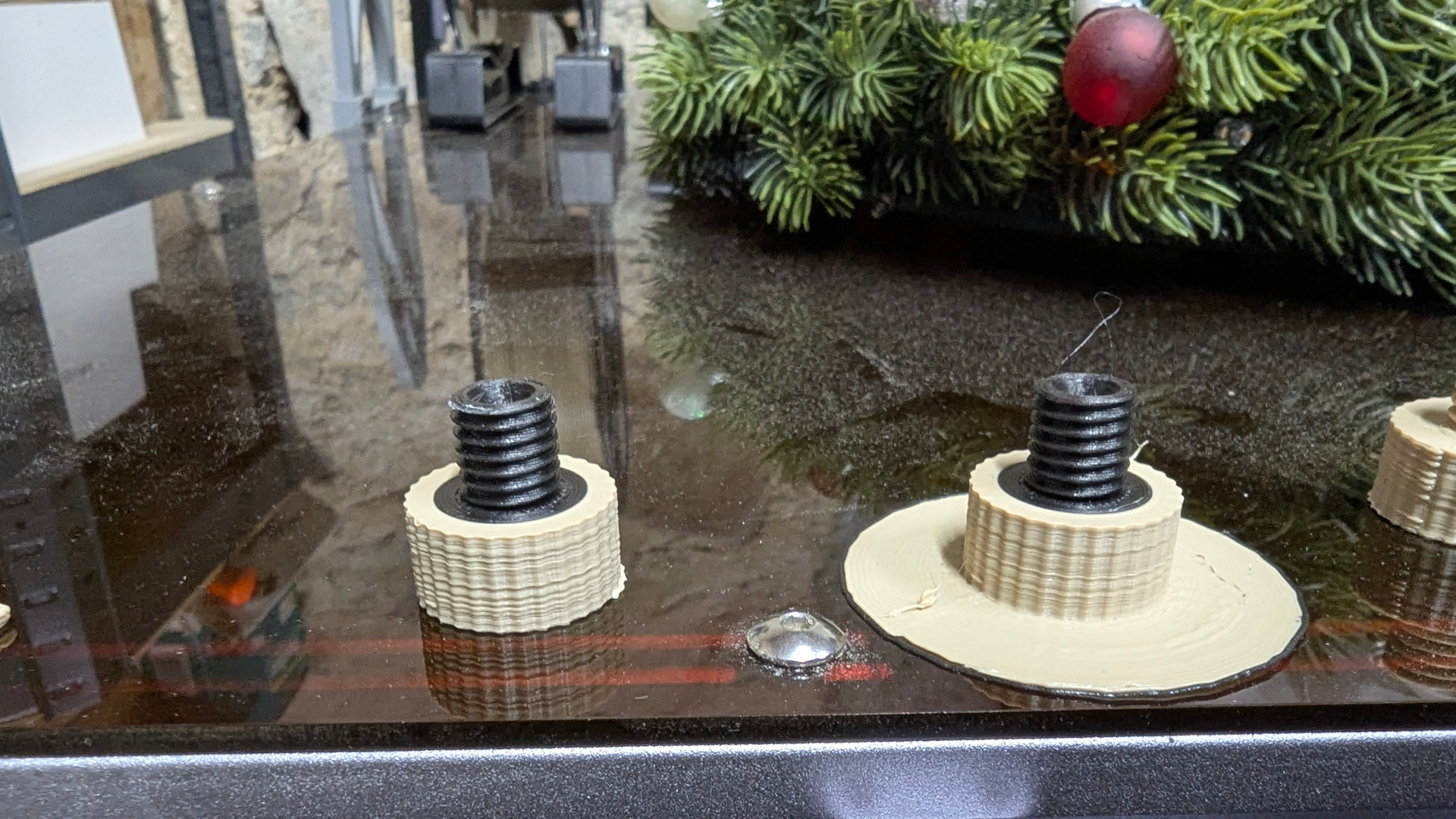
The layers in the light coloured material are not great…
Yes, the printer is in the barn at 8 degrees, and the filament is not dried. I don’t think that will get better for now… I printed with Orca, so I should also reduce the speed significantly to a maximum of 50mm.

Best regards, Alexander