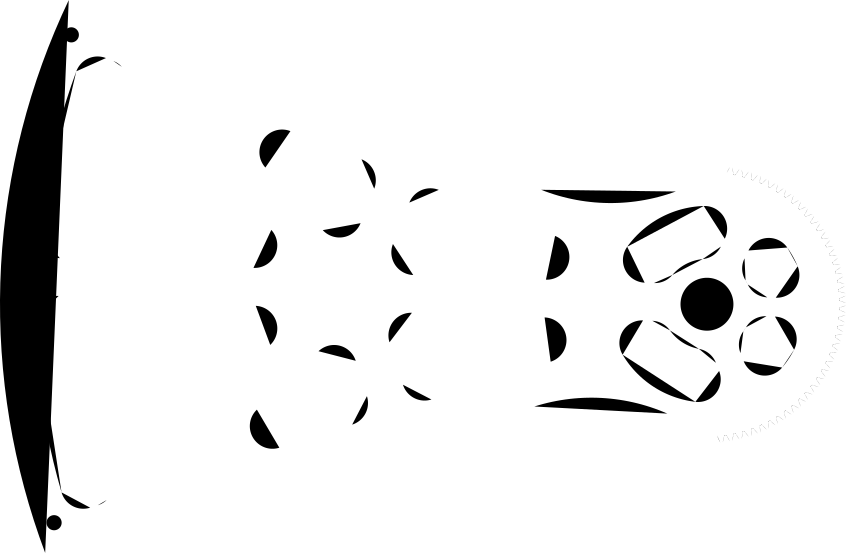
When using Luban for preparing work for laser cut I imported a SVG file that doesnt have a border, a rectangular border appears.
The SVG comes an export from Onshape and there it has no borders I doubled checked in Inkscape and there also was not border for the shape
[In the attached image one can see the border around the part]

That usually happens when a picture does not have a clear background, usually for PNGs, Jpgs etc though, not SVGs.
Having said that, not all SVGs are created equally. Some have proprietary features. Try loading the SVG into Inkscape, and saving it as a “Plain SVG”.
Hi’ Thanks
Already tried to save as Plain SVG, but it didn’t worked and I still got the border
Mind uploading the SVG here? It’s a simple fix in Lightburn and I can reupload.
Try the following:
- load the svg into Inkscape
- select the entire object
- from the menu: Edit>Resize Page to Selection
- save as svg
- load the new svg into Luban
Boxy SVG Editor is a good tool to check SVGs too. Lets you look at the SVG code and has controls for managing the viewport.
Sorry for the long delay
I tried the boxy-svg and indeed manged to remove a strange “transparent” bounding box there
Attached is one of the SVG files that I encountered the problem with
Thanks