When I upload my SVG file to Luban for laser engraving there is a black border line added. I imported a SVG file that doesn’t have a border, a rectangular border appears on the image?
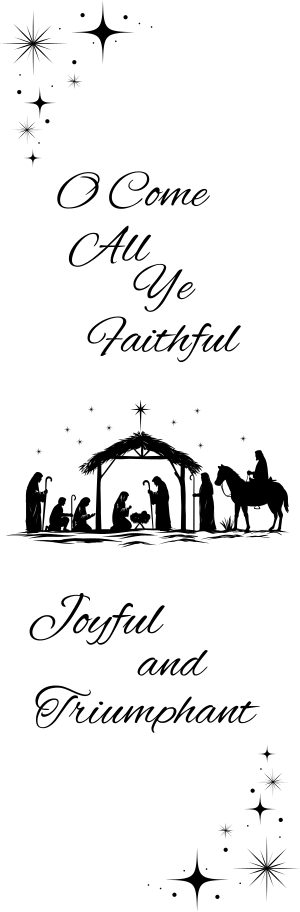
Created this in Canva with no borders. I have tried the Inkscape resize trick and saving it as a Plain.svg, still no luck getting rid of it.
I attached the file that I am struggling with. Please help
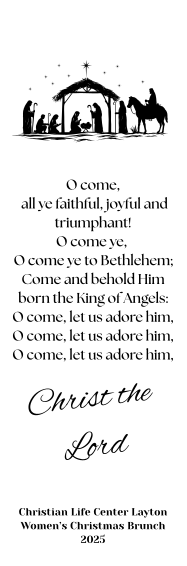

Thank you. When I uploaded it to Luban tough it still has the black rectangle outline sadly

I redownloaded it and the border is Gone! Thank you! Thank you!
You’re welcome. 

Thank you!