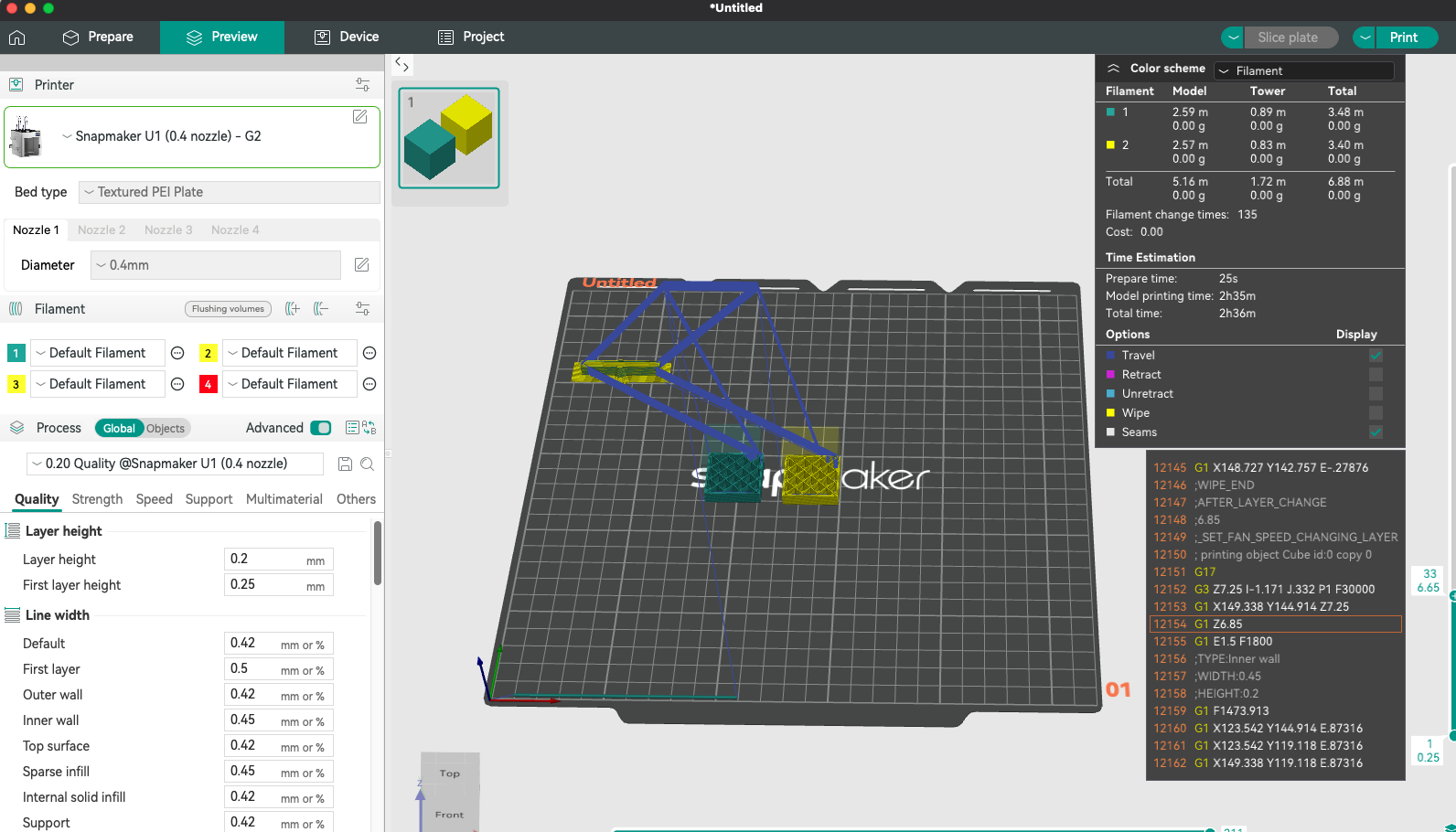
As Orca Slicer doesn’t really know about the position of the tools, when you visualise the moves within Orca slicer, when a tool change happens - Orca shows the print head doing the following:
- Moving directly to the prime tower - Which is not correct - because surely it moves to the tool drop off / preheat point first
- Then moving straight from the prime tower back to the print
Example here

For prints where the filament numbers exactly match the tool numbers I have made a small change to the Change Filament Gcode - just really for visualisation purposes - and possibly not completely accurate - but I thought it might be of interest.
Suggestion in next two replies to this post - as new users can’t post more than one image.