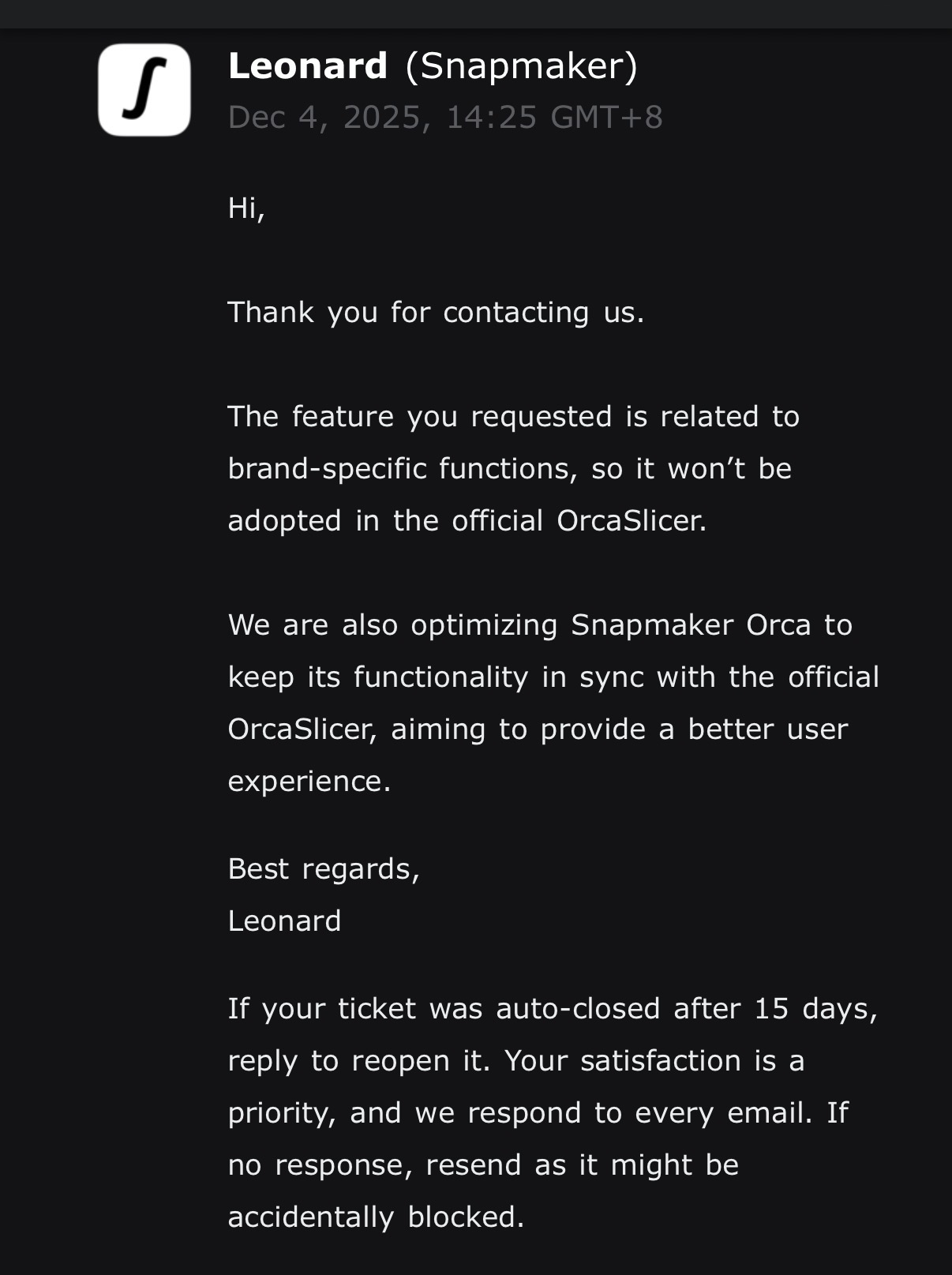
I’d like to request support for using the Snapmaker U1 with the official (vanilla) OrcaSlicer, with the same functionality currently available in Snapmaker Orca.
Current situation
In Snapmaker Orca, after slicing you can click Print, the correct toolhead is selected automatically, and the print starts directly from the slicer. Filament/material profiles are correctly mapped to the appropriate toolhead.
In the official OrcaSlicer, I can connect to the U1 via Fluidd and upload files, but I can’t start prints directly, can’t select toolheads, and there’s no mapping between filament/material profiles and toolheads.
What we need:
The ability to start prints directly from the official OrcaSlicer
Correct toolhead selection
Correct filament/material → toolhead mapping
Full U1 compatibility similar to what exists in Snapmaker Orca
This would allow those of us who prefer the official OrcaSlicer to keep the full functionality of our U1 without having to switch slicers.
Its actually the opposite, we’ve been through this with all the previous products. Tickets are a hard and registered statistics. Forum threads can be lost to oblivion.
So - Many tickets > Many posts.
What I understand from past conservations is this is not about what Snapmaker is offering to provide, but about what is accepted for pull into the OrcaSlicer repository. It’s what they seem to be indicating here as well.
This is the apparent answer (as I understand it) for why some features in their current Snapmaker Orca do not and will not appear in OrcaSlicer. They are currently written as part of the slicer.
It may not have been clearly communicated, or not understood, that your suggestion is to make it a separate plug in that can be installed on top of OrcaSlicer, rather than a part of Orca itself.
I do not know if that’s feasible, or something the OrcaSlicer team is willing to support. They may have already discussed this as well and could be why it is as it is currently.
Another option is to start communication with Orca devs, and see what they think. It can be done either in issues or discussions.
I suggest a discussion OrcaSlicer/OrcaSlicer · Discussions · GitHub. Seems more appropriate to discuss potential issues of merging.
You can share link to this topic anywhere else, to invite users and promote discussion here…
@nweolu yeah. A lot of folks are putting it on Snapmaker to consider a plug-in approach to the U1 device tab, etc. It’s surely not a purely Snapmaker decision though, as the OrcaSlicer devs are the gatekeepers of what’s appropriate for OrcaSlicer.
For sure it’s gotta be a two-way conversation with them.
Adapting a flexible plugin system is likely not trivial. Though an advantage if properly spec’d to allow device makers to implement what they need/want to implement is that it might help stave off frequent forks though.
From my point of view, I understand it this way: because Snapmaker plans to go open-source, they are currently focused on making the machine firmware and slicer experience good enough, which takes time.
All recent new features are the result of user feedback and continuous iteration. At this stage they simply don’t have the spare manpower or resources to merge those new features back into OrcaSlicer—that would require dedicated investment.
Right now the U1 is in a critical transition period; until the software and machine are optimized to a stable, user-friendly state, the software team won’t stop—you can see that from their recent release pace. So merging new features and other non-core items will have to wait until these core user-experience issues are solved. After all, the market changes quickly, and they need to seize this window to get it right in one go.
Orca maintainers won’t even allow for this to happen, it’s like two or three people maintaining Orca. And they have to review the code in PR and make sure it doesn’t brake everything. You need human resource for that on Orca side. Unless someone is willing to sponsor this resource - it is unlikely to happen ever. It is just not contributing to the slicer enhancement.
But contributing to a single printer compatibility with the slicer. Which isn’t the goal of the orca slicer devs. If I understand it right.
This does sound like a fantastic idea, however it is up to the Orca developers to decide if they will merge this type of change into the project. I suspect that this can lead to bigger issues with management of the codebase and this is why they would not do this.
Speaking for myself, I would love to have one software product that can make use of all the printers I have. I am getting older and it is getting harder and harder to keep track of all the different versions of software I need to use. I thought all my astronomy software was a pain.
Yeah. The advantage of letting printer makers add printer-specific stuff without tampering with the base slicer is a good motivation to have a comprehensive device and other plugins system.
Can say from experience at my own job though (different software, not slicers), making one that’s cleanly distinct from the rest of the slicer isn’t exactly trivial. Making clean boundaries and keeping the plugin makers firmly on their side of the line.
For us, features kept creeping in where they would ask, “Well couldn’t you just add this one extra direct hook for us into these other parameters…?”
And even if everyone agrees to simple boundaries, it’s more stuff that needs regular testing and vetting by the plugin makers to keep it up to date. That’s kind of a benefit though. Cuz if a plugin breaks the slicer, it doesn’t break it for anyone not using the plugin.
That’s just the start of the pros/cons though… it’s a debate not unique to slicers.