I’ve been experiencing an intermittent issue when printing a model with multiple plates.
I open a model (.3mf) that I’ve previously printed (prior to 2.3.5)
I select a plate (1 or 2 of 6 etc) and select Slice plate - this is successful.
I select Print - the Send G-code to printer host window appears
I select Upload and Print - a new large window appears - it is titled Print Processing - it is blank.
That window never completes - I expected to see that window showing Model Information, Select Printer, Edit Filament and Print Preferences and Send.
This has happened several times with different multi-plate models and only if multi-plate.
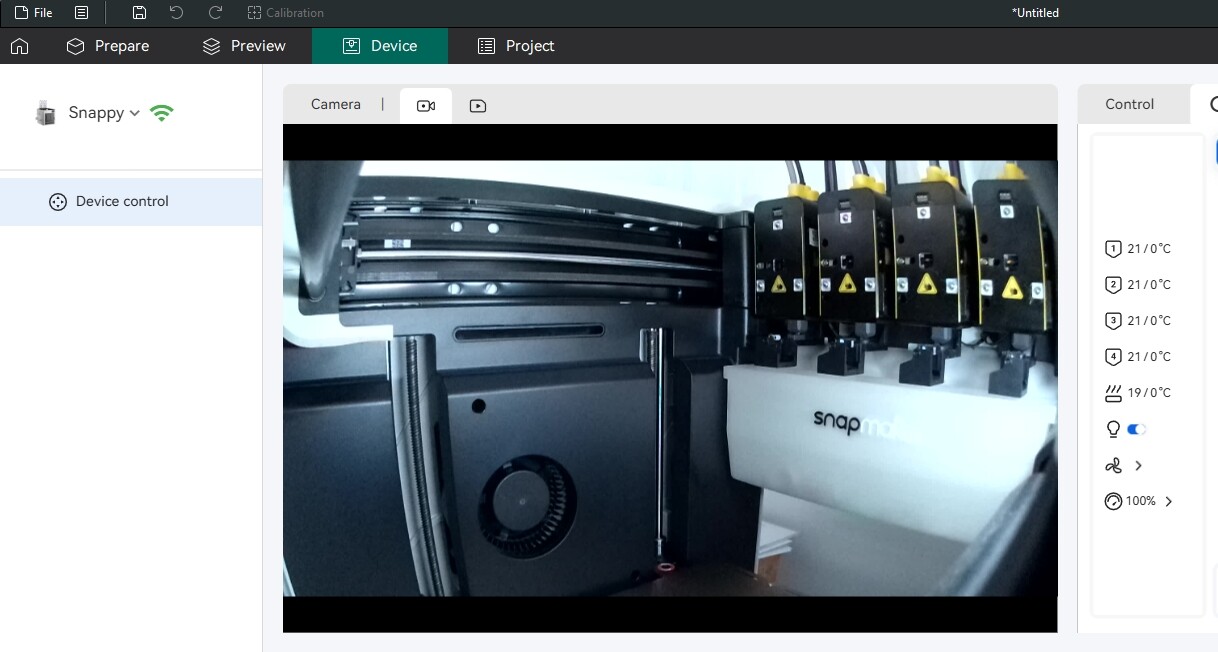
I have full connectivity to the printer, because I can start the camera, turn on the light etc.
The workaround is to shutdown Snapmaker Orca and restart it. Orca acts normally after that restart.
The printer is on version 1.52, wireless connected in LAN mode and I’m running Windows 11 25H2.
It’s an intermittent problem, not a show stopper, but requires me to restart Snapmaker Orca then it works.
The next time it happens, I’ll open a new file (without firstly shutting Orca) and see if I can narrow down the issue.
No problem, I’ll send logs the next time it happens.
Unfortunately it’s an intermittent problem - I just finished printing all six plates from that same model, with no problems.
I’ve exported and then extracted the logs from the last two days and rezipped.
I posted here not long after the problem occurred, so maybe there’s something timestamped and useful in the logs.
Hi team, I’ve just had a repeat of the fail to send GCode to printer.
This time it’s a single model on a single plate. The last model with six plates completed fine the other day (after exiting Snapmaker Orca and restarting it. The printer has remained on.
I’ve attached the last two entries from the logs.
I’m definitely wirelessly connected to the printer in LAN mode, because I can still switch on the camera and light.
Hi, thank you very much for your time and patience.
After checking the logs, the engineer thought it might be something related to the connection status between the server and the software. Could you please refer to this wiki guide to help me run a network test:
Hi,
I only run in LAN mode, so I don’t think it’s related to a cloud connection.
I’m a retired network/wireless engineer, so I have a very reliable (and simple) network setup here at home. Everything is on the came Vlan.
Also, while the error is occurring I can still switch on/off the fans, camera and light on the printer. I also check that I have a solid internet connection while it’s occurring - in fact I post here while it’s happening.
I’m not too worried about this problem - It’s just a minor nuisance when it occurs. I also run some old Ender 3 printers with Octoprint, so I’m used to issues.
Restarting Snapmaker Orca always fixes the issue. The U1 is never switched off unless I’m doing hardware maintenance.
I will repost here the next time it happens and try to relay any new symptoms/information.