After todays update cannot use U1 anymore… cannot login and my printer is all the time offline:/ Tried reinstall, factory reset of my printer, nothing… wtf is going on?
at first couldnt login at all, now i see that im trying to login ( wheel is spinning and thats it:/ )
Unfortunately there was a short server update:
Due to the significant increase in the number of users and U1 activation volume in a short period recently, to ensure that Snapmaker users can receive more stable and smooth services, we will expand and adapt the relevant servers such as the login service and device Cloud as a Service at 15:30 today.
Once again, Snapmaker is doing the same thing as with the A350 and A250 Luban…
Don’t feel reassured just because Snapmaker announces a software update.
They repeatedly release updates without sufficient testing, creating various bugs every single time.
When will Snapmaker finally understand that they’re repeating past mistakes?
It’s the users who suffer.
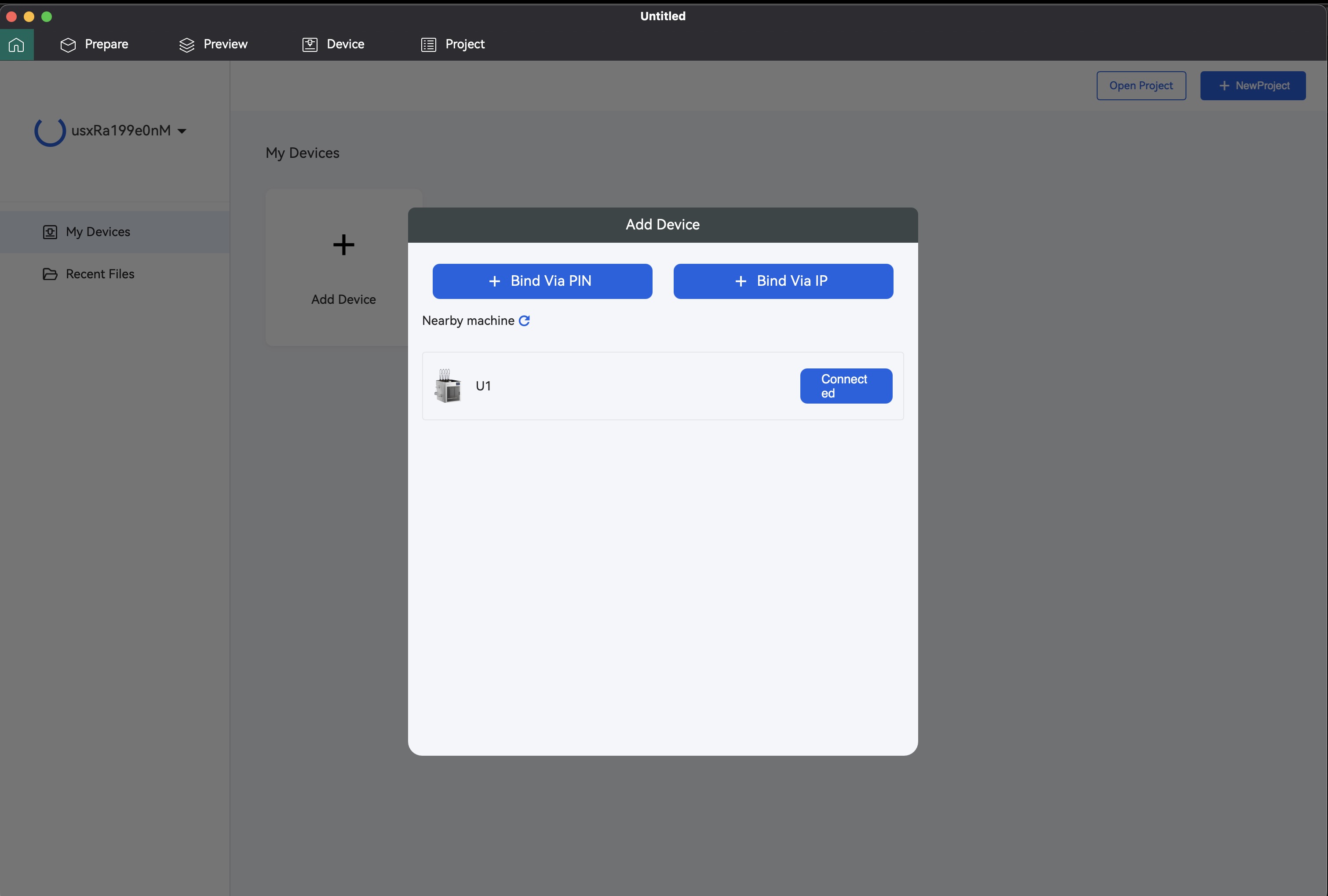
I downloaded the macOS-arm version of Orca 2.1.2 and on startup it can’t see my (A350) printer on the LAN, even when Luban can. It doesn’t even bind to it when I explicitly type the IPv4 address into the Bind Via IP box. It’s hard to appreciate the other bug fixes when something so fundamental is broken.
Every time they release an update without proper verification, I can’t help but wonder if they’re intentionally causing issues to confuse users
Before releasing, manufacturers should meticulously verify all fixes and affected areas.
In the past, there have even been mistakes that led to machine failures.
I won’t install new version updates immediately.
I’ll consider installing them once others have been the victims and improvements have been made.
That’s how much I can’t trust them based on past history.
My U1 will arrive soon, but how will it behave? Will it run without issues?
Is the software even decent?
We sincerely apologize that software support for legacy products isn’t updated as promptly as it is for our new products.
Snapmaker Orca supports legacy machines and ships with built-in profiles for them, but Wi-Fi direct is not yet available for these older models. This feature is scheduled for the next software release, which we’re aiming to publish around the end of this year.
For initial setup of legacy machines, please consult this wiki:
The A350 etc, isn’t a legacy product, it’s a current product while it’s still being sold via the Snapmaker shop. And anyway, two of the questions above are about the U1, and one about an A350.
Good day - may be you want to update the support page as well, since it still shows 2.1.1 version of the slicer, only shows 2.1.2 when I click on Wiki notes.
Snapmaker Orca windows_installer_v2.3.4.exe· Why is it so hard to install? I had to shut down all the protection in windows to be able to install, very annoying.

 We sincerely apologize that software support for legacy products isn’t updated as promptly as it is for our new products.