Hi Everyone!
I received and set up my Snapmaker 1 week ago now and have been making some introductory forays into 3D printing.
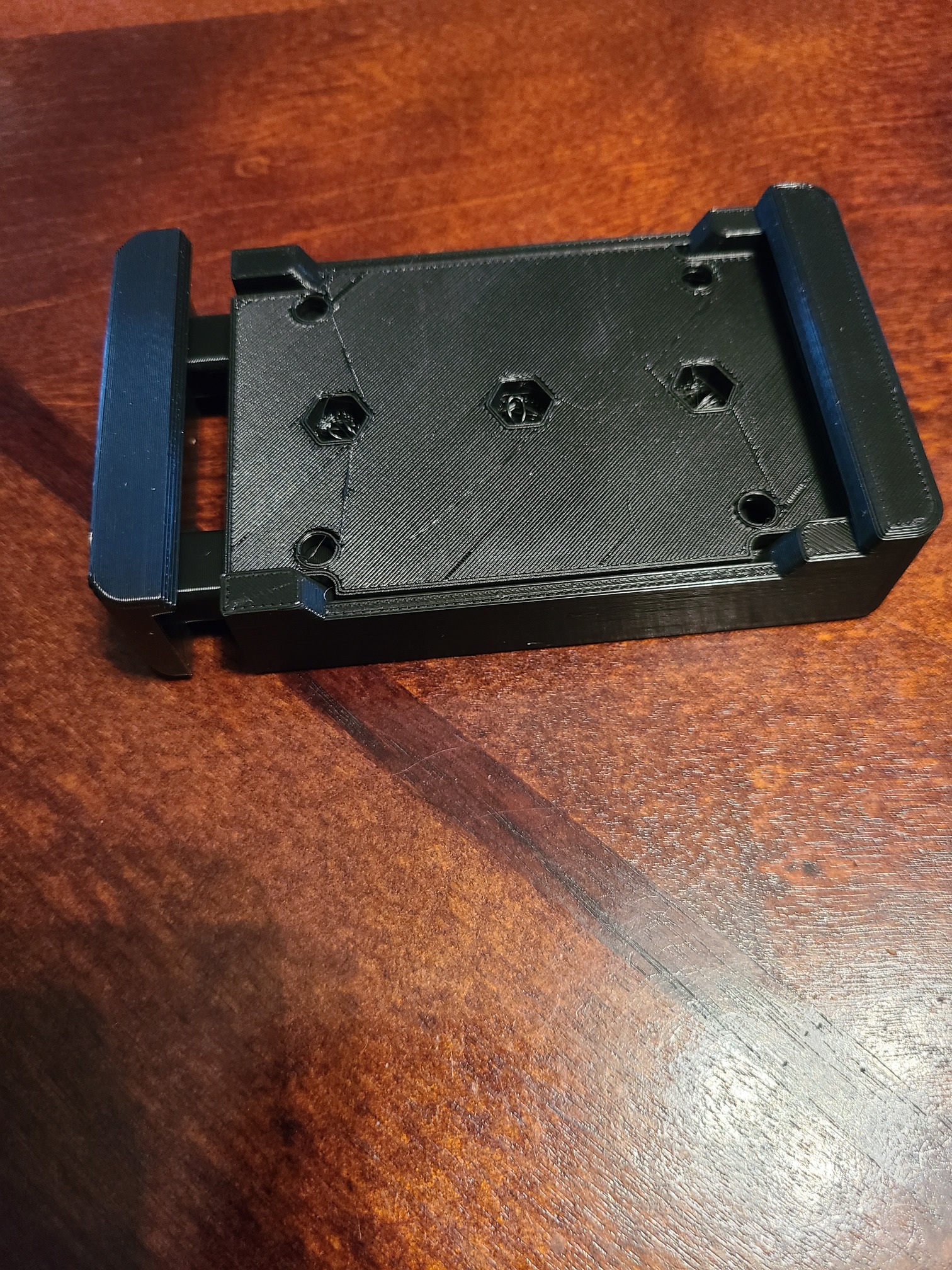
I downloaded and printed a quick-swap bracket for the modules but after I had done so, realized the calibration of the machine might be thrown off by the thickness. I haven’t attached any of the brackets yet but is there anything I may need to be particularly careful about?
Is the SM 2.0 smart enough to compensate or must that be done manually? And if manually, every time or just once?
See my pic/ link here: https://www.etsy.com/EasyLeatherCraft/listing/841623081/one-touch-clampprovide-design-file?utm_source=Copy&utm_medium=ListingManager&utm_campaign=Share&utm_term=so.lmsm&share_time=1595235078515