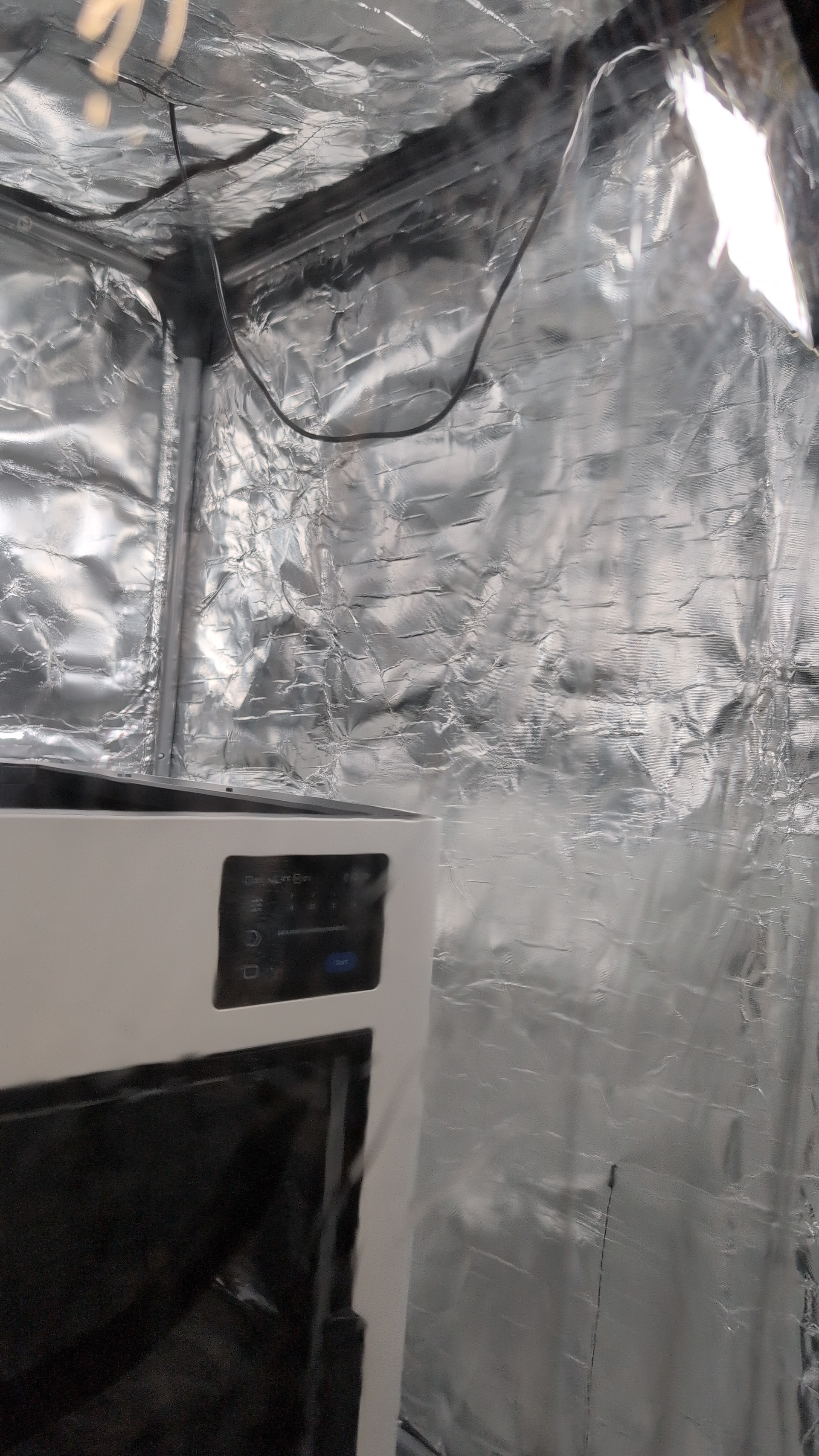
LEDs on each side, I’ll get some black lights back in there! About to start my first Dragon print…
West3D ASA Ambrosia
Bambu ASA Grey
Proto-pasta PLA Copper Filled
Proto-pasta PLA Iron Filled

Ugh, won’t let my print ASA on the test dragon 
Maybe your ASA needs to be dried before printing. Most specialty materials need better moisture removal.
and maybe this helpful!
Fully dried ASA, Bambu was in Polydryer and West3D fresh out of the shipping box/vacuum seal!
Both the on-screen and app didn’t like it. On-screen, couldn’t select the ASA. App, where I manually added it as ASA, shows a red triangle with an exclamation mark in it…
Hoping it just needs to run a first print routine with their PLA.
Awesome, I haven’t sliced anything yet for the U1! Just wanted to get set up and do it probably. I’ve got a couple hours to prep something while the dragon prints