Hey guys,
This thread about connecting the 2.0 via LAN motivated me to find out if and how this works for the Artisan because I’m presently building a segmented network for my production machines to be in a separate VLAN.
I used these parts:
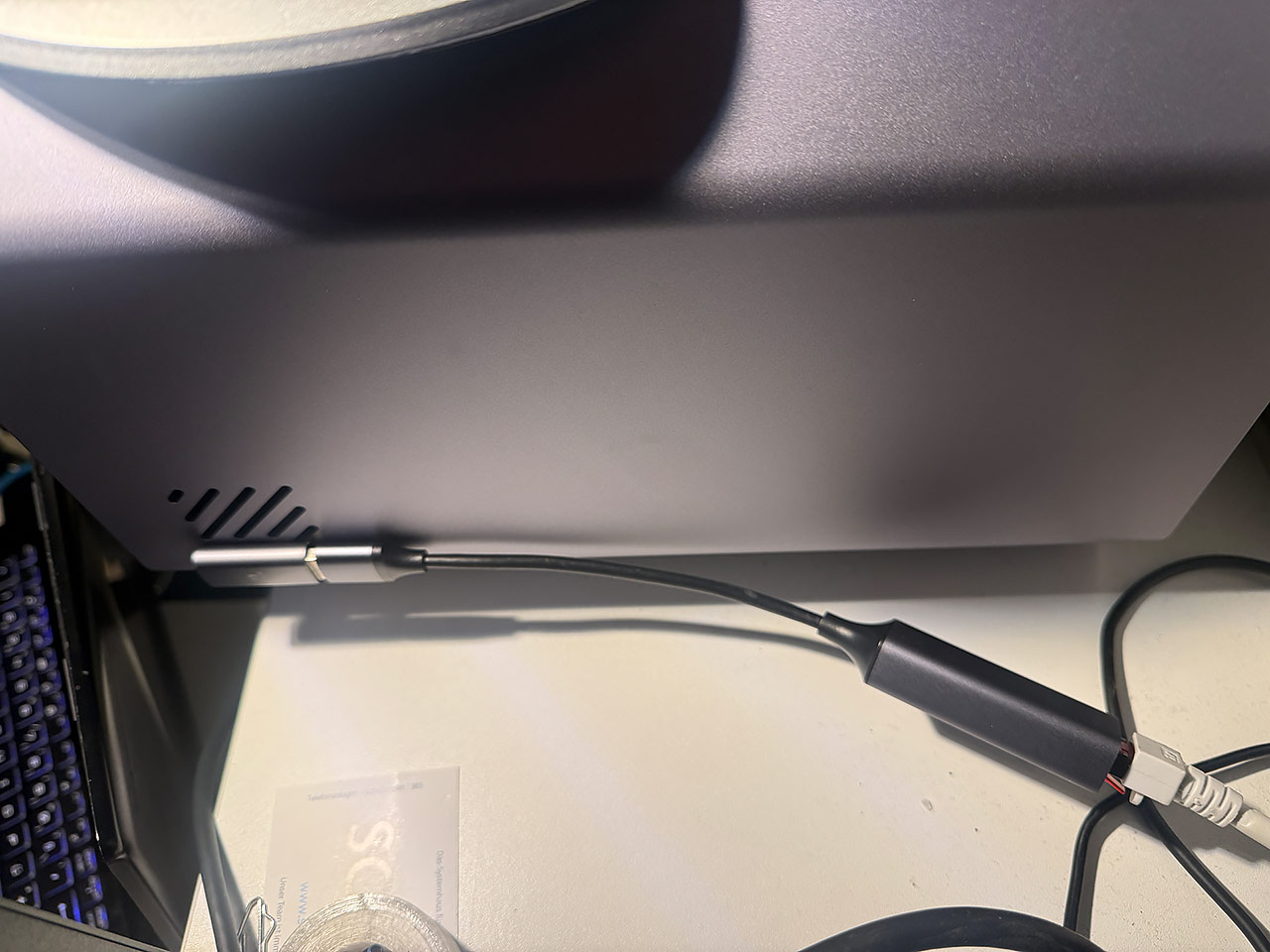
Since the Snapmaker printers and especially the Artisan are designed products, I picked bits that looked like they somewhat match the color / surface / design and I’m quite fond of these. And even the better, they work!
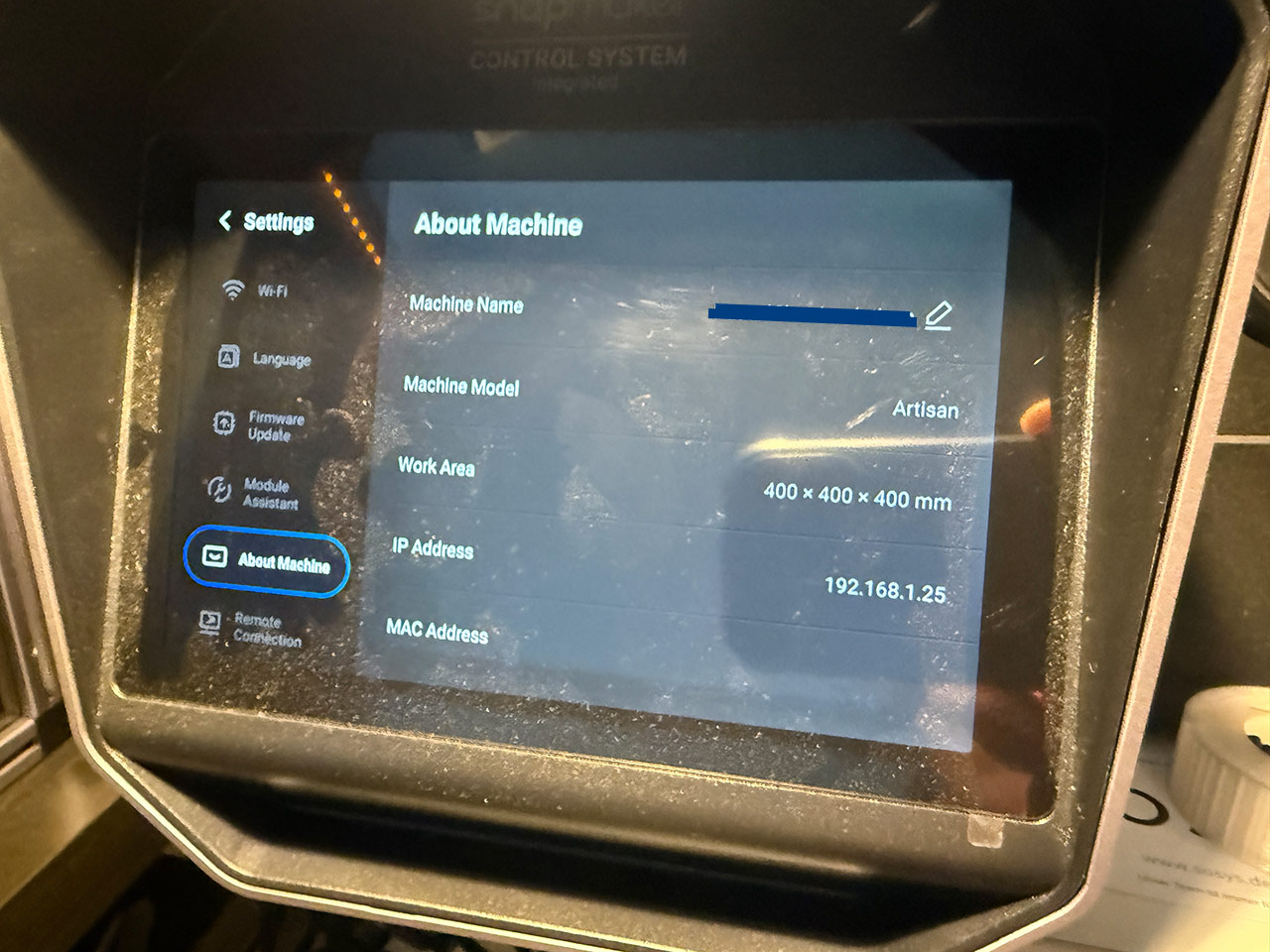
What I did on the Artisan simply was to hook this up to the side USB-A, start the machine and disable WiFi. The LAN adaptor works like a charm and provides a 1Gbit/s connection and draws an IP adress. Upon turning the Artisan on, it showed a short bit of traffic, so that looked good. I proceeded to give it a static IP via external DHCP to make connecting easier.
Now, as it was described for the Snapmaker 2, you can use it in Luban by manually entering the IP adress and connecting to the printer (Which is a setting Luban won’t remember the next startup).
You can also use the USB-A Port on the rear of the Artisan, doing so will however result in a maximum Speed of 100 Mbit/s (I didn’t conduct further testing beyond checking an established connection due to the slow speed). With the side usb, everything seems to work the way it is supposed to.
A note to Cura users: It is possible to connect Cura to the printer when it is plugged via USB-to-LAN, however, the SnapMaker Plugin for Cura has an autodiscover method for network machines that is focussed on WiFi devices. Which means, it does not work “out of the Box” for LAN - Cura will eventually detect the printer, but list it with the IP “0.0.0.0” not providing any actual function.
This can be changed to a fixed IP adress to connect to the printer by altering the Snapmaker Cura plugin code. I found a rather basic workaround that allows using the printer entering an IP in the Cura.cfg but I don’t feel like this is a proper solution to be published (yet?). Something with an actual UI menu would be more suitable but I found this to be a good way to make Cura crash.



 Regarding Luban not remembering the IP: This actually surprises me, because I seem to remember that with Snapmaker 2.0 Luban stored the IP and suggested it on the next connect. What I am certain that works with Snapmaker 2.0 & Luban is that it remembers a DNS name - thats how I have it since ages. I created a DNS entry for the machine, and this goes into the Luban dialog. This is definitely remembered for SM 2.0. I would be surprised if Luban handles this differently for Artisan… why should it? Admittedly, the Snapmaker engineers sometimes come up with weird ideas…