Hello everyone, I need some current advice from dual-extruder owners…
I have had an A350 since it launched. I have purchased and added many upgrades (diamond nozzle, bracing kit, 10W laser, 2W ir laser, rotary tool, upgraded bed - and probably others that I am forgetting).
I have had great success in dialing in 3D PLA printing, countless laser projects and CNC jobs. I am saying this because I want people to recognize that I am very well acquainted with this product. I have spent hundreds of operating hours on it.
But I have always lamented the inability to print in things like TPU and nylon-CF. I believe the dual extruder would allow me to do this, but I want to hear from actual users if this is worth buying and using.
I have been hesitant to buy anything else from Snapmaker, because it’s quite clear that the A350 is a deprecated product, and their software support is simply abysmal.
But if actual users can tell me that the dual extruder is a capable product for nylon-CF and TPU, then I will move forward with the purchase to unlock those filaments.
I look forward to guidance from experienced users. Thanks!
Terence
P.S. I do NOT have the enclosure, nor will I buy it. I simply don’t have the space for it.
I do not see problems with slicers for dual extruder for two different sizes, I use 0.4 and 0.6 Tungsten Carbide nozzles, even orca can work with it you just need to learn how to use it, with Cura it extremely easy. And yes, I am using enclosure which I improoved a bit
it reaching 55C just from standard heat bed. If you want to print PA you need to think about enclosure, many modern blends of CF filaments claiming you may get away without enclosure but to play safe it better to have one.
I don’t see problems with oozing with dried filaments.
I installed the dual extruder, and I have to give Snapmaker credit. This module is just so much better than the one that come with the unit. The hardware engineering is much better.
The software could use some work though. . I decided to skip “Step 3” of the calibration, and when you do so, you get stuck in a loop that you cannot escape. You have to start over and complete all three steps of the calibration. So much for it being optional.
Also, I replaced the nozzle on the left extruder with a ruby nozzle, and the auto Z settings were off. The first layer was printing about .5mm above the plate. This created an adhesion problem (or lack thereof).
Gratefully, that is easy to fix with a manual z-height adjustment. but of course, I couldn’t do that until the calibration text print failed miserably.
Anyway, it’s (mostly) all good now. I tested e-steps (at 99%, so good) and started printing.
PLA works great (also, the calibration seems to assume PLA - it didn’t ask me what was loaded - again, software is NOT snapmaker’s forte).
Now I am trying to print Fiberon PA612-CF and am having some difficulty. After 4 failed prints (bad adhesion), I finally got a print to complete with a modified set of brim settings (and plate Magigoo).
Does anyone have recommended settings for this filament? I need to print a gear to fix my ice machine,
I started with Snapmaker’s Nylon PA6-CF settings, but am having poor results. The slow and medium speed settings both failed (bad adhesion - need to try again with modified brim). The fast setting completed, but the top layer quality is awful.
I printed with Fiberon ASA-CF06 and had no problem at all with adhesion, I was huge print on half of the print bed but relatively short in height. Also I printed with PolyMide-GF and no problem with adhesion. Did you properly cleaned your print sheet?
I just did another print with no problems at medium speed (40mm/m) and it looks good.
The problem I have now is that because the material is so hard, the brim leaves some edges, But that’s what sanding and filing are for, I suppose.
Any advice on sintering? 250C for 25min or so? The part I am making has to go into a sealed gearbox, so I want to do the best i can to make sure that it lasts as long as possible.
To be clear, the reference for 250 above is for post-processing. Sintering is “lightly baking” the part in an oven to create better bonds between print layers.
Found another software issue with the dual extruder…
I setup a project in Luban using only the second extruder (Right). It is configured for PLA (the left extruder is setup with Nylon-CF).
My job is ONLY using the second extruder. On the A350, I happened to remove the filament on the left (first) extruder, which should NOT have any bearing on the job…. but the snapmaker machine won’t run the job without me loading filament (which won’t be used) into the first extruder.
its annoying that I have to load an extruder that wont be used.
And I have another question for Luban users with the dual extruder….
I setup a job for only my second extruder (PLA), but the job seems to have inherited bed temperatures from the first extruder, even though it isn’t being used at all.
Is there a way to tell Luban to use the bed settings from the filament in extruder 2? Or does it always pull this from extruder 1?
If it always pulls from extruder 1, then in jobs that I am only using extruder 2, I need to remember to set Luban that extruder 1 has the same filament as extruder 2.
The only problem in my opinion is, if the left extruder is “active” at starting the job it will detect the missing filament. If the right one is the lower extruder it won’t.
Anyway, I would suggest to use snorca, Cura or Prusa slicer instead of Luban for advanced settings.


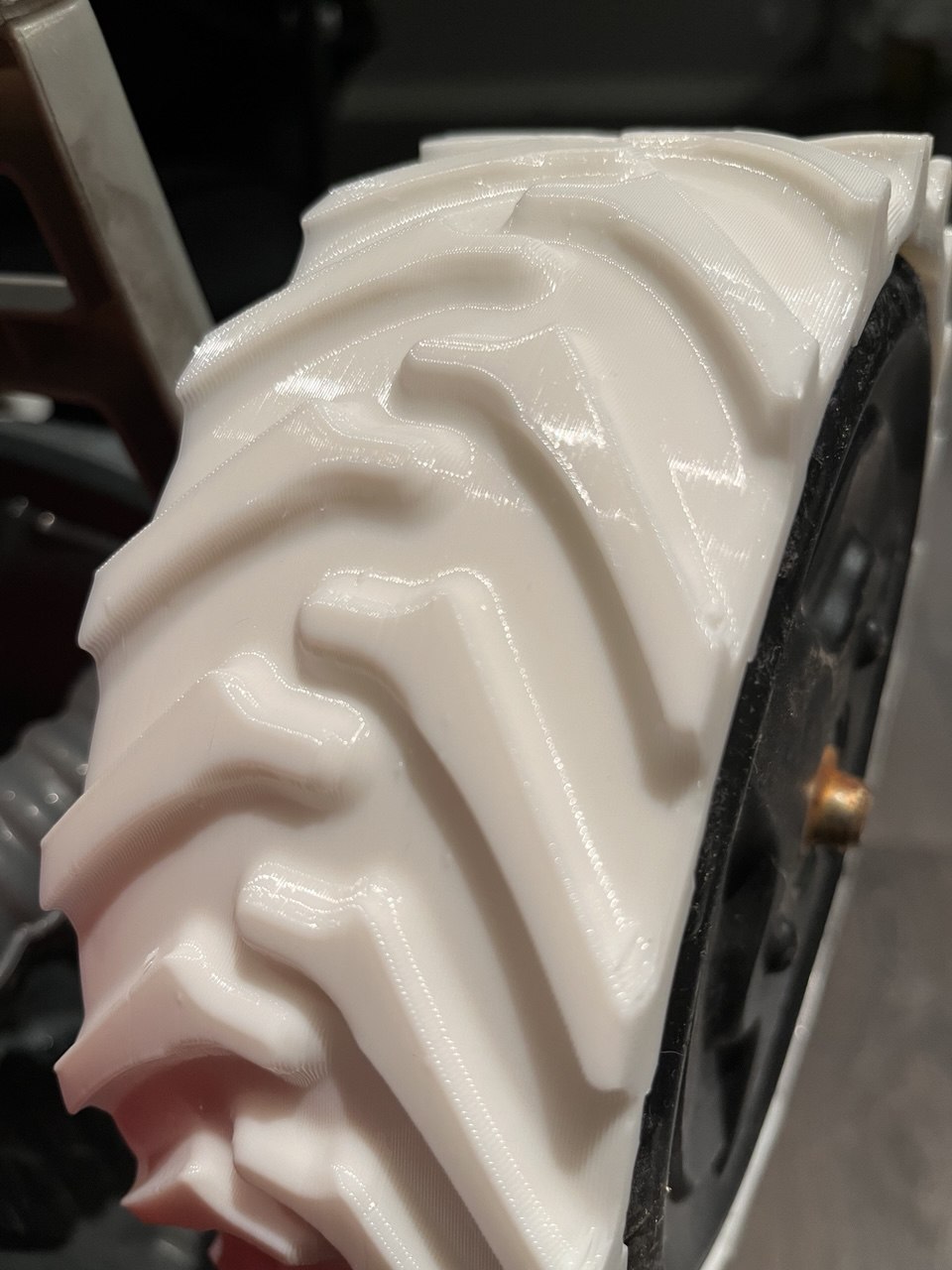

 . I decided to skip “Step 3” of the calibration, and when you do so, you get stuck in a loop that you cannot escape. You have to start over and complete all three steps of the calibration. So much for it being optional.