Ray 20w Half diode mode

Hi all

I came across a question on lightburn forum about using half-diode on a 40w module and wondered if this would be possible with my 20w module.

So it appears that a command can be entered at the start of the g-code to switch off half the diodes and another command at the end to turn them back on.

These commands can be stored in Macros for use when needed.

Im wondering if, when you exit a file and load another will the half diode ‘mode’ remain in operation for the next file..or will it reset to normal.

Also, can this mode be set to a layer but other layers operate on all diodes so the file can be run without interuption, or will the command have to be entered after completing the ‘For example’ engraving and or cutting in ‘full diode’ and then run a layer in ‘half diode’ after inserting the command in the console window to do some finer engraving.

I do have the 2wIR1064 module available but the half diode option is interesting enough to tryout and experiment with

If anyone knows of any articles or video on this subject, I’d love to know more.

Hope your all well and having fun with the Ray, I’m getting pretty used to it now and really glad I bought it.
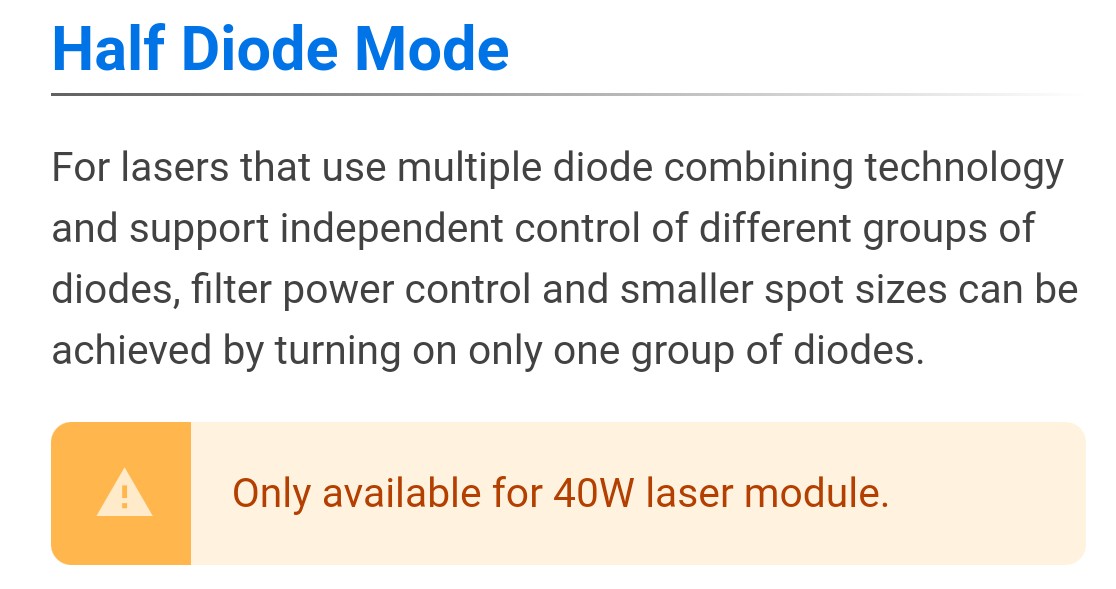
Unfortunately half diode mode is only for the 40w Toolhead available, as it is written in the wiki:

https://wiki.snapmaker.com/en/Snapmaker_Luban/manual/laser_toolpath_parameter

1 Like

The way the lasers are set up is by collimating and combining the power of multiple different diodes. In the 10W, there’s 2 5W diodes, 20W has 4 5W in a unit, and the 40W has 2 units of 4 5W modules.

So in half-diode mode, it simply shuts down one of the two units, basically turning it into a 20W module. It does not have the ability to turn off the diodes individually, just the stacked units. As seen in the below cutout.

2 Likes

Thank you both for the input. That looks like a nice bonus for the 40w owners, especially in terms of decent engraving and a boost fot cutting.

I got a reply from SMsupport but they did not say it was not possible.

I’ll make do with swapping to the 2wIR where materials allow.

As it stands, I cant find the macro settings in lightburn anyway as they are not in the Window drop-down box.

Thanks for the reminder about the Wiki, the one place I didnt check, Have been so focused on images for the last couple of months!

Regards

Pete