-
Forum Interface Language Setting
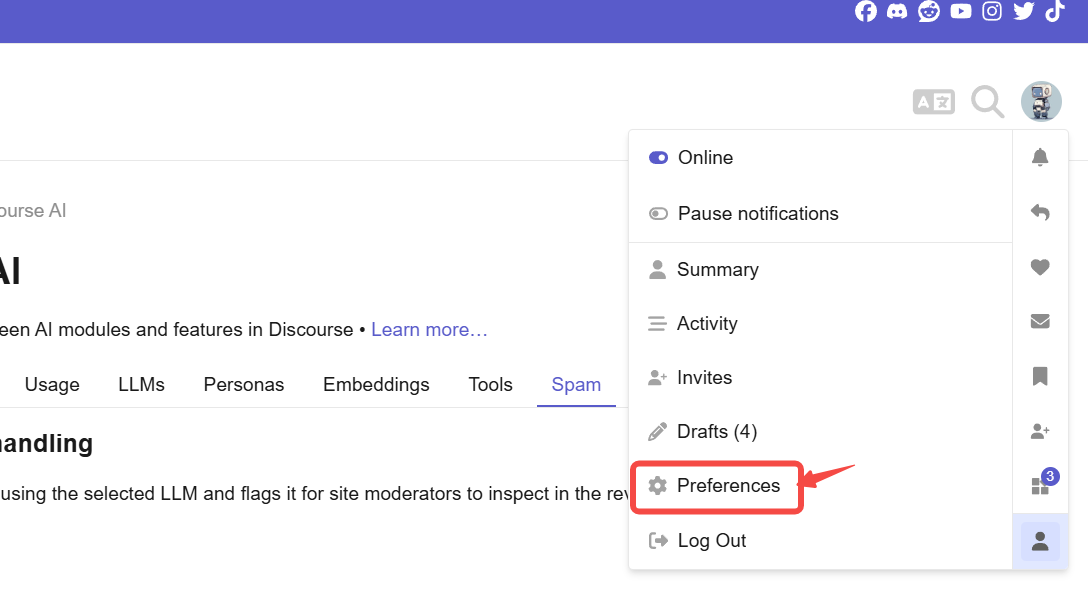
You can change the interface to your preferred language: click your avatar in the upper-right corner → Profile → Preferences → Interface, then select your desired interface language.
-
Auto-Translation for Posts
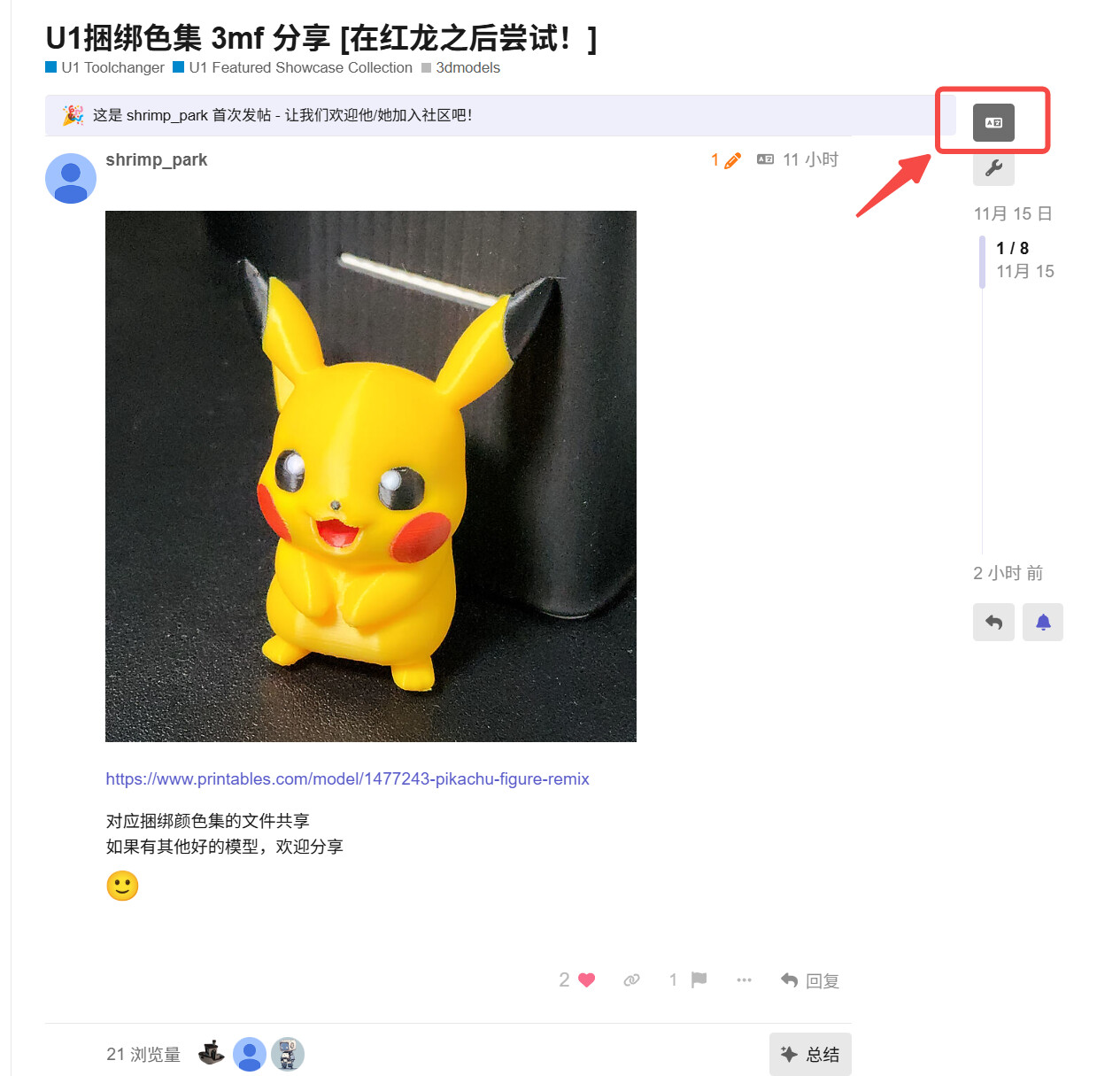
a) Click this icon to toggle between your language and the post’s original language. Currently, only five languages are supported by default. After switching, new posts will be automatically translated into your language by default.
b) For other languages, install the recommended free translation add-on to translate post content.


- Google Translate (by Google)
Features: Full-page translation, pop-up on selection, text-to-speech; supports 240+ languages; 100% free.
Install: LINK - DeepL Translator
Features: AI-powered contextual translation, best-in-class quality for European languages; free version offers pop-up/selection translation for 32 languages.
Install: LINK (click “Download for Chrome” on the page) - ImTranslator (combines Google, Bing & own engines)
Features: One-click multi-engine comparison, TTS, dictionary, history; 100+ languages, free.
Install: LINK - Mate Translate
Features: Subtitle translation for Netflix/YouTube, built-in phrasebook, cross-device sync; core features free forever.
Install: LINK - Lingvanex Translator
Features: 110+ languages, offline package, dual sidebar/pop-up modes; free tier covers daily needs.
Install: LINK